Tutorial - Blend tool Effect - Adobe Illustrator In Adobe Illustrator, the Blend Tool can be used to create a number of different effects. In this...


Tutorial - Blend tool Effect - Adobe Illustrator In Adobe Illustrator, the Blend Tool can be used to create a number of different effects. In this...
Tutorial - 3 Types Of Gradients - Adobe Illustrator A gradient is a gradual blend of two or more colours or shades. In Adobe Illustrator, there are...
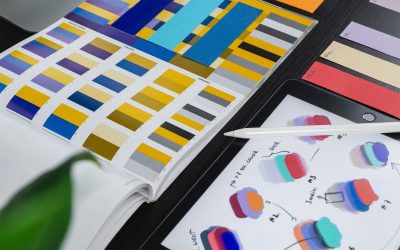
Tutorial - Abstract line effect - Adobe Illustrator In this tutorial, we'll be creating an abstract line effect using Adobe Illustrator. We'll be...
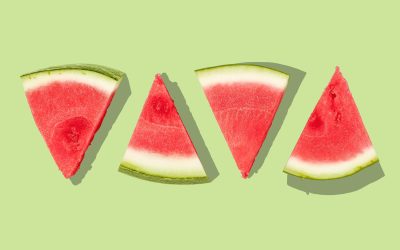
3D Watermelon Tutorial - Adobe Illustrator A 3D watermelon may seem like a daunting task, but with Adobe Illustrator, it's easy! This tutorial will...
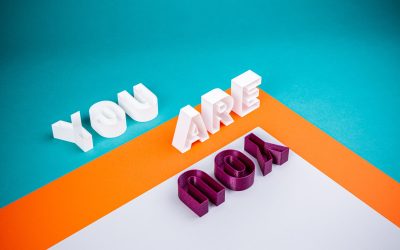
3D Groovy Text Effect Tutorial - Adobe Illustrator In this tutorial, you will learn how to create a 3D groovy text effect in Adobe Illustrator. You...

Tutorial - Speed Effect - Adobe Photoshop In this tutorial, we're going to learn how to use the Speed Effect in Adobe Photoshop. This effect is...
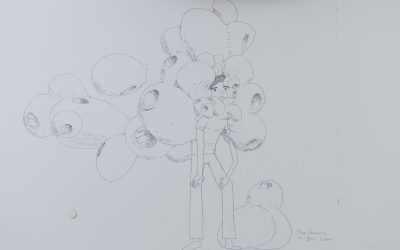
Tutorial- Scribble Art - Adobe Photoshop Adobe Photoshop is a widely used programme for crafting digital art, but many users are intimidated by its...
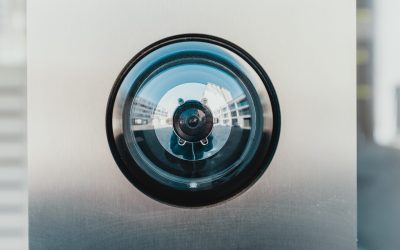
Tutorial - Realistic reflection - Adobe Photoshop A realistic reflection can easily be created in Adobe Photoshop with a few simple steps. This...

Tutorial - Light rays - Adobe Photoshop Adobe Photoshop is a widely used programme for crafting digital images. In this tutorial, we'll focus on one...

Tutorial- Ink Pen Sketch Effect - Adobe Photoshop Adobe Photoshop is a widely used programme for editing photos and creating graphics. It has many...

Tutorial - How to create snow - Adobe Photoshop In this tutorial, we will show you how to create snow in Adobe Photoshop. This is a very simple...

Tutorial- Fire in the hand effect - Adobe Photoshop In this tutorial, we'll learn how to create a fire in the hand effect in Adobe Photoshop. This...

Tutorial- Spinning Wheel - Adobe Photoshop Adobe Photoshop is one of the most popular photo editing programmes available today. It has a wide...
Tutorial- Random Newspaper Effect - Adobe Photoshop Have you ever wanted to make your photos look like they were taken straight out of a vintage...
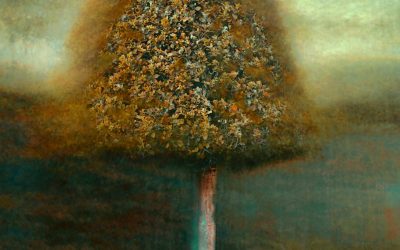
How to create an oil paint effect to any image - Adobe Photoshop In this article, we'll show you how to create a paint effect in Adobe Photoshop....
Tutorial- How to remove text from an image - Adobe Photoshop Images are often times composed of text and other images that may be distracting from...

Tutorial-How to place Logo or Graphic on Texture - Adobe Photoshop In this tutorial we're going to learn how to place a logo or graphic on a texture...
Tutorial- How to place clouds - Adobe Photoshop If you're new to Photoshop, one of the first things you'll want to learn is how to place clouds in...
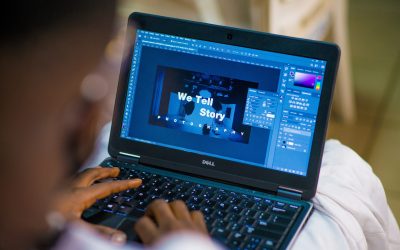
Tutorial- Hidden Trick Clone Stamp Tool - Adobe Photoshop If you're a regular Photoshop user, you're probably already familiar with the clone stamp...
Tutorial- Golden Hour Effect - Adobe Photoshop Whether you’re a beginner or a pro, you can create beautiful images with the golden hour effect in...

Tutorial -Field Blur Effect - Adobe Photoshop In this tutorial, we'll learn how to create a field blur effect in Adobe Photoshop. This effect is...

Tutorial- Cosmic Text Effect - Adobe Photoshop In this tutorial, you will learn how to use Adobe Photoshop to create a cosmic text effect. This...
Tutorial- Stroke outline on type - Adobe Illustrator This tutorial will show you how to create a stroke outline on type in Adobe Illustrator. This...
Tutorial-Transform Repeat - Adobe Photoshop Adobe Photoshop is a widely used programme for editing photos and images. Many people are familiar with...
Tutorial-Perfect Logo Grid in seconds - Adobe Illustrator A logo grid is an essential tool for any designer working with a corporate identity. It...
Tutorial-How to place inside text - Adobe InDesign Adobe InDesign is a publishing software application used by graphic designers to create...

Tutorial - How to create halftone sphere - Adobe Illustrator In this tutorial, we'll show you how to create a halftone sphere using Adobe...
Abstract Pattern Tutorial - Adobe Photoshop In this tutorial, you will learn how to create an abstract pattern in Adobe Photoshop. This is a great...

What can you do with a visual communications qualification? Qualifying in visual communications can open up a range of job opportunities in many...

How to change default font - Adobe Illustrator If you're bored of the default font in Adobe Illustrator, or you want to match the font to the...
I’ve recently completed the Graphic Design course at Blue Sky Graphics with Jack as my tutor, and I couldn’t be happier with the experience. Jack is an outstanding tutor - professional, encouraging, and incredibly supportive. Over just seven months, he pushed me to achieve far more than I thought possible, and I now have a portfolio website I’m truly proud of.
Dragan was the best tutor ever, thoughtful, practical and patient. I learned so much and will definitely be looking into other courses. If you are considering learning more about Graphic design and attain great base for any of the future design aspirations, this is a very good first step.
I’ve recently finished a graphic design course with BlueSky with Kosh as my teacher. This was probably the best decision I could’ve made and has landed me my first role in the industry!was an amazing teacher, so thorough and patient! I will be looking into doing another course with BlueSky. Highly recommend!
Last year, I enrolled on the Graphic Design course with Han. Having never used Adobe he was super clear, thorough and patient with me as I progressed through the software. A great tutor and just who I needed at the time.
I finished the GD course feeling confident with my new set of skills aware of how much I had learnt from beginning to completion.
The Graphic Design course has been an amazing experience, and I’ve learned so many new things. I’ve especially gained confidence in using the software, learned how to work smarter, and developed a strong understanding of graphic design fundamentals.I had Jack as my tutor, and he’s been the best tutor I could ask for. Even when we were learning something new each lesson, we always had laughs.
Thank you, Jack!
Alexie 🙂
This was my first course at Blue Sky Graphics. My tutor was Dragan and he was great - extremely patient, relaxed but with a huge amount of knowledge and is able to explain things in a really practical and easy to understand way.
I would definitely recommend!
I took the Graphic Design course with Blue Sky Graphics to brush- and top-up my skills so that I could be more confident and eficient at my job. Best decision I made - I learned so much, and in such fun and relaxed way. I found every lesson with Jack super inspiring and always looked forward to the next class, knowing that I would learn something new, something cool!
The Blue Sky Graphic Design course was excellent. Better than I could have expected! One:one lessons meant the course was delivered at my pace and focused on my areas of interest. Dragan was an excellent tutor. Very patient and happy to explain things in a different way if I didn't understand. Always happy to repeat something I'd forgotten from a previous lesson.
Create a new career and make money. Are you ready to get your creative juices flowing?






