

How Do I Design A UI?
User Interface (UI) Design is concerned with anticipating what users may need to do and ensuring that the interface contains elements that are simple to access, understand, and use in order to facilitate those actions. Interaction design, visual design, and information architecture are all combined in UI.
Selecting Interface Elements
Users have grown accustomed to interface elements behaving in predictable ways, so try to be consistent and predictable in your choices and layout. As a result, task completion, efficiency, and satisfaction will improve.
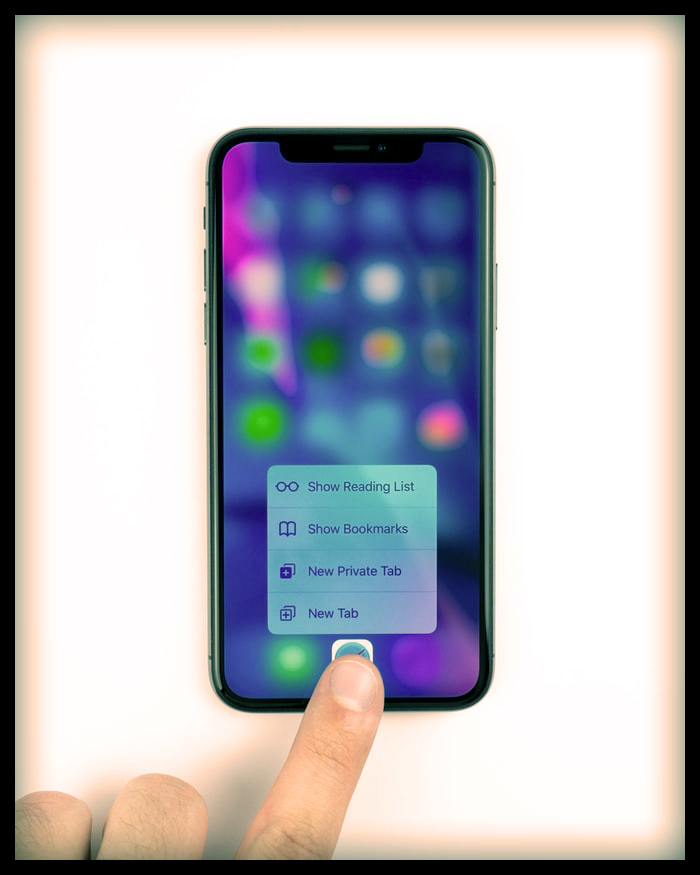
How Do I Design A UI
Among the interface elements are, but are not limited to:
1.Buttons, text fields, checkboxes, radio buttons, dropdown lists, list boxes, toggles, and a date field are examples of input controls.
2.Breadcrumb, slider, search field, pagination, slider, tags, and icons are examples of navigational components.
3.Tooltips, icons, a progress bar, notifications, message boxes, and modal windows are examples of informational components.
Best Practices for Interface Design
Knowing your users is the foundation for everything, including understanding their goals, skills, preferences, and tendencies. Once you have determined who your user is, keep the following points in mind when designing your interface:
Keep the interface as simple as possible. The best user interfaces are almost imperceptible to the user. They avoid superfluous elements and use clear language on labels and in messaging.

Create consistency by utilising common UI elements. By incorporating common elements into your UI, users will feel more at ease and will be able to complete tasks more quickly. It is also critical to establish patterns in language, layout, and design throughout the site to aid in efficiency. Once a user has learned how to do something, they should be able to apply their knowledge to other parts of the site.
Be deliberate in your page layout. Consider the spatial relationships between items on the page and organise the page according to importance. Careful placement of items can help draw attention to the most important information while also improving scanning and readability.
Colour and texture should be used strategically. Colour, light, contrast, and texture can be used to draw attention to or divert attention away from items.
Make use of typography to establish hierarchy and clarity. Think about how you use typeface. Text sizes, fonts, and arrangement can all help to improve legibility, and readability.
Ensure that the system communicates what is going on. Always notify your users of their location, actions, state changes, or errors. The use of various UI elements to communicate status and, if necessary, next steps can help to reduce user frustration.
Consider the defaults. By carefully considering and anticipating the goals that people bring to your site, you can create defaults that reduce the user’s burden. This is especially important when it comes to form design, as you may have the option of having some fields pre-selected or filled out.
What does the term “user interface design” mean nowadays?
The majority of today’s UI designers are already creating interfaces for apps within an operating system. As a result, many of the parameters of a user interface are beyond the designer’s control.
For example, if a UI designer is working on an Android app, they have no control over the user’s device’s screen size and resolution, how the user has configured their notifications, or whether they have installed another app to reprofile the colour on the device’s display.
Instead, UI designers working on apps are typically attempting to work creatively within the constraints of a given device and its operating system. Furthermore, their job frequently entails adhering to the OS developer’s guidelines (Google for Android, Apple for iOS). Apple publishes a UI dos list and not a developer’s list, together with a detailed set of guidelines for human interfaces, and Google has a comprehensive Material design visual and UI style guidance.
Because of these constraints, today’s UI designers frequently focus on the fine details of how screen layouts are designed and how smoothly a user can move through stages in their journey through an app or website. Feeling pressed for time is almost universal in modern life, and users have little patience with interfaces that are slow, clunky, or difficult to understand.
What does the future hold for user interface design?
The most significant change currently occurring in UI design is the development of voice interfaces. Although they are already present in every mainstream operating system, few people use voice interfaces on their phones and computers on a regular basis at the time of writing.
What does the future hold for user interface design
Despite the emergence of new forms of user interface, sophisticated visual UI is likely to remain users’ primary mode of interaction with most devices. However, there is plenty of room for innovation and optimization in “traditional” UI design.
Unsurprisingly, major players such as Microsoft and Google invest heavily in behind-the-scenes experiments with new UI aesthetics and interaction patterns.
Brand-new markets
UX design as we know it has evolved not only as a result of the pervasiveness of smart technology (TVs, PCs, smartphones), but also as developed economies have shifted their focus to the service industry, where customer experience is critical. Furthermore, as major developing economies become more prosperous, new markets for UX designers will emerge.
Building health infrastructure, for example, will necessitate solutions that address the fiscal and socioeconomic conditions of those economies. There is tremendous opportunity for UX designers with an interest in international development to contribute to the development of novel technological solutions that allow populations to access diagnosis and treatment.
Machine learning and artificial intelligence
Many professions are going through soul-searching right now, as high-tech, dependable, and affordable artificial intelligence (AI) and automation technologies become a reality in every industrial sector. Commercial attempts to use AI to deliver design work are already underway. These are typically focused on areas where a designer is required to execute a design that combines a number of visual conventions.
Many tasks, particularly those performed by UX designers, are unlikely to be automated anytime soon. Effective user research and testing, for example, is complex and require emotional intelligence as well as the ability to understand which needs and behaviours are absent as well as those that are present. AI is still a long way from comprehending the significance of what people do not say or do.
However, AI may play a role in speeding up and augmenting human-led design processes sooner rather than later. Hundreds of layouts, colour combinations, and icons, for example, may be computed in seconds, enabling designers to recognise appealing or feasible designs even faster.
If you are interested in learning graphic design and UI design then checkout Blue Sky Graphics in the UK for a detailed online course!









