

What Kind Of Computer Do I Need For Graphic Design?
As a graphic designer, you need a stable computer that is strong enough to operate your design software. It needs to have a quality monitor and adequate speed for the seamless running of the applications that you want to use.
If you need one with enough strength to make your job feasible, you may be searching for a desktop machine. Alternatively, some notebooks and even hybrid tablets are also suitable for graphic designers and web designers looking for a more portable alternative.
While a desktop computer appears to provide more power and a wider and better display, notebooks are a compact choice for artists who switch around a lot, whether they are a main computer or an external tool.
Mac vs PC
One decision you are going to have to make is your computer’s platform. Previously, Apple computers were the first option for graphic artists, with some applications available exclusively for iOS software. This has evolved a great deal in recent years, and most popular software is distributed on various platforms.
The upper end of Apple products is, for the most part, pre-configured to be suitable for graphic design. But in some cases, they are not upgradeable, because if they are upgradeable, only the memory and hard drive can be modified.

PCs can require more up-front work to make them work for graphic design
PCs can require more up-front work to make them work for graphic design, but components will, in most situations, be chosen so that you get exactly what you want. PC modules should be traded if anything new arrives to the market. It is also easier to purchase just a few parts a year, rather than a brand new machine every couple of years.
File consistency is the real problem here. When the customers are using a new format, it is typically better to use the same format. While most finished goods can be shared without any issues, if files need to be transferred back and forth, it would be better if you start with a common method.
PC or Laptop?
The next decision to make is whether you want a desktop or a laptop or both. The portability of a laptop will also be exchanged on the height of the screen and the interchange ability of the parts. A desktop is always faster and more powerful, but evidently not portable. Getting both is the best of both worlds, but there is additional effort to make sure that the files is on the right computer and that the programme is consistent on both computers.
Drive storage
The storage drive may be either a standard hard disc drive (HDD) or a solid state drive (SSD). You may use several drives of various types on a single device. Find out more about the variations between HDDs and SSDs. SSDs access files quicker, which will make a difference if you open large files daily.
If you are looking to get a laptop, try having an extra hard drive. You should save files for finished tasks on an external disc, saving them when releasing your existing files on your desktop.
You would want at least a 512 GB SSD or a 750 GB HDD for your working disc. This is a minimum, if you are dealing with several big files; you are going to want to have much bigger drives. Pay heed to the speed of the pump, too, for the hard drive. The speed is represented in RPMs (revolutions per minute) which shows how fast the drive spins to reach the file you want. You should have a 7200 RPM drive at least.
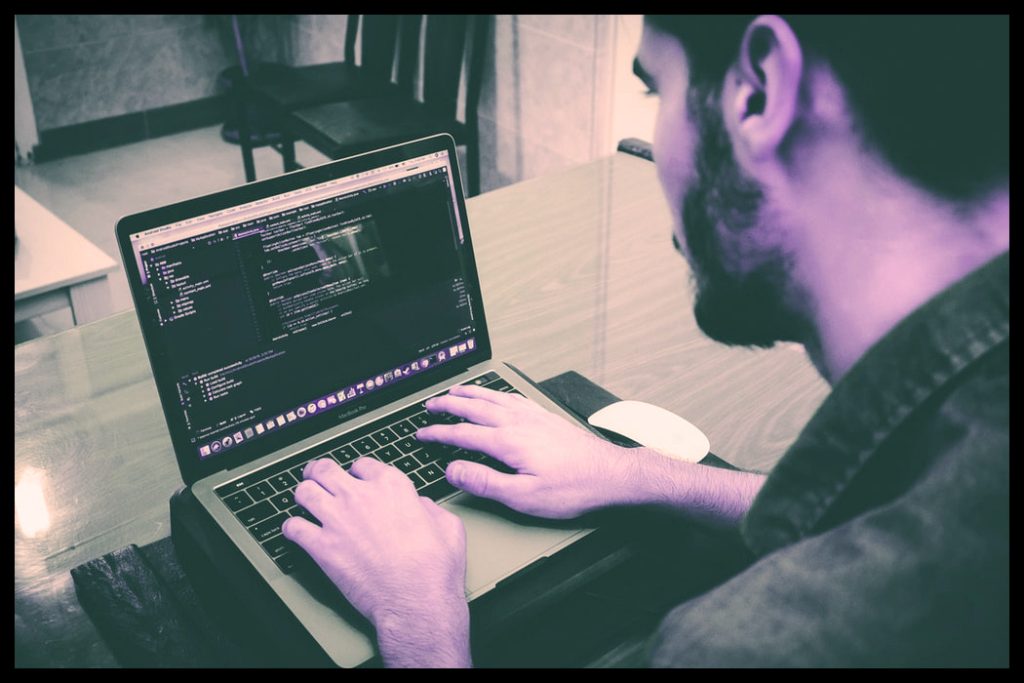
Apple iMac Pro Retina Display
The Apple iMac Pro was developed for technical use in mind. It is a very powerful computer, but all it provides comes at a high price.
It is the most powerful iMac, so there is a lot to do with this awesome machine with the following specifications –
Display: 27-inch (5120 x 2880) Show of Retina 5K – The Apple iMac Pro features a 5k monitor, a fantasy for any top graphic designer in the industry. It was virtually perfect in our show checks, delivering true colours and crystal-clear black with deep contrasts. A short version of the graphic design screen we have never seen before.
Apple iMac Pro Retina Display
Graphics: Radeon Pro Vega 56 GPU – One of the most attractive aspects of the Apple iMac Pro is, of course, the Radeon Pro Vega 56 GPU, providing high-quality graphics performance that any graphic designer might be delighted with. Last year’s iMac blows out of the water with a benchmark of 283, contrasting this to last year’s usual Apple iMac of 109, but amazing it was able to double the speed of any video editing being twice as effective. We can also point out that no noisy fans were heard at any point during our toughest tests, and the system remained cool for the entirety of the test.
CPU: 3.2ghz 8 Core Intel Xeon W- Complete with graphics power, the Apple iMac Pro still needed a processor to cope with its multi-tasking power that the Intel Xeon W does exactly that, together with the Radeon Pro Vega 56 GPU, we considered it to be the most powerful iMac we have ever experienced.

Storage: 1TB of SSD Storage – The Apple iMac Pro Storage is a fast flash, a must-have for any graphic designer to store large files all day. Delivery of 2.4GB/sec reading and 3GB/sec printing, which was double the speed of the Apple Fusion Drive. In fact, we found that the iMac Pro combined with its powerful components was up to 2,000 percent faster.
Microsoft’s Surface Studio
The Microsoft Surface Studio can be seen as something that has been designed to offer a Mac alternative to a PC for creative professionals.
As an all-in-one Windows PC, it provides a range of things you can find on the iMac and also on the iMac Pro. The first generation Surface Studio has an Intel Core i7 processor that is the same as the iMac Pro and has 32GB of RAM along with a 2TB hard disc.
You have an option between the base and the high-end models, which is perfect if you choose to stick to the budget and do not want to pay more on the details you do not need.
The first generation Surface Pro high-end mode offers you the Nvidia 980M GPU, with the Nvidia 965M for the base edition.
The monitor will accommodate three different colour modes, the sRGB, the DCI-P3 and the live mode, and the display is 4500 x 3000 pixels.
The computer can also be pushed down to a 20-degree angle, enabling artists to use it as a drawing table. Being able to sketch straight to the screen is a major bonus, doubling up your computer as a drawing tablet that makes it easier to get your designs correct.









