

What Grades Do I Need To Be A Graphic Designer?
You will need to have IT and drawing skills to become a graphic designer. You are going to need to be prepared to identify realistic answers to issues. You are also going to need excellent communication skills.
Most professional graphic designers have a background, HND or graduation in graphic design or other art and design-based subjects. You may also require working knowledge of desktop illustration applications, such as Illustrator, InDesign or QuarkXPress, and picture processing packages such as Photoshop. You can take courses at colleges, private training providers, and through self-study.
Skills matter more than a degree
Employers will be as interested in your design skills and creative ideas as they are in your skills. Talent and personal (network) connections are really necessary to get a job completed. You will need an up-to-date portfolio to show potential employers what you can do. Do not be afraid to use your design skills (where applicable) to make your CV stand out.
Learn skills from Blue Sky Graphics online graphic design course today!
Unpaid work experience, vacation jobs and internships will give you the chance to develop your portfolio, make contacts and impress employers. You can also create a website to showcase your work.
Competition for jobs is strong and not all jobs are advertised, so as well as building contacts, you can approach companies and design agencies directly. The quest for consulting firms in the design archive of the British Design Creativity platform is a successful starting point.
You may be eligible to become a junior graphic designer in an apprenticeship scheme. You are going to need to verify which schemes are accessible in your region.
A good set of graphic design tips is always convenient when you are a beginner graphic designer, or even a non-designer on a journey to teach yourself some practical graphic design skills.
In this article, we share some of the most practical graphic design tips for both beginners and non-designers.
Let us get started now.
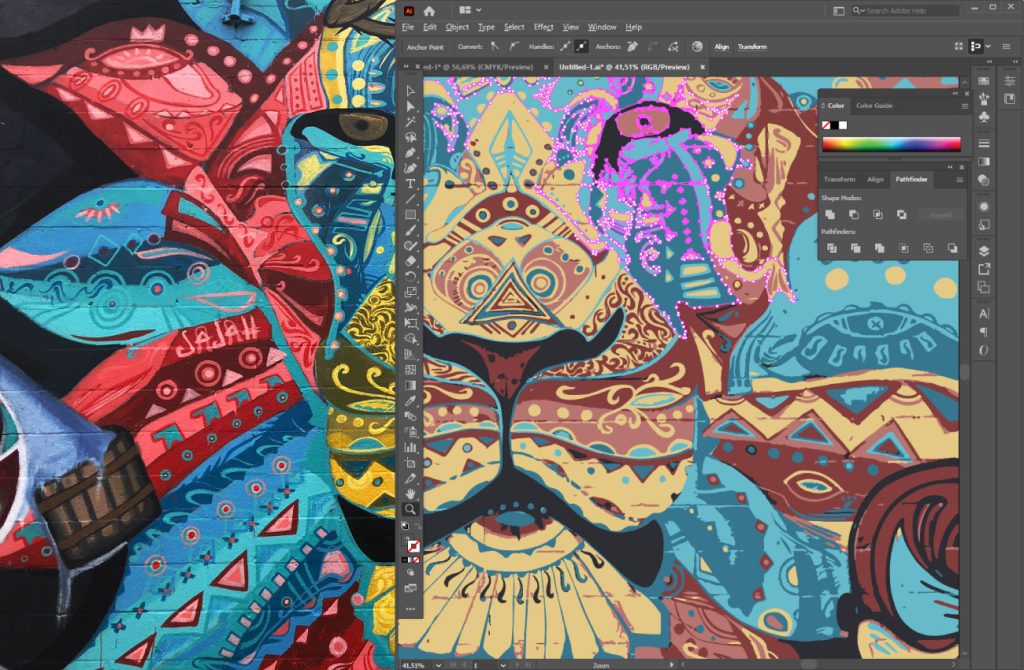
Competition for jobs is strong and not all jobs are advertised, so as well as building contacts, you can approach companies and design agencies directly.
Graphic style ideas for beginners and non-designers
As a non-designer, you may notice that your designs may not look as polished and professional as you might have hoped. But do not fret, we have got your back in there.
Below, we have compiled a list of the best graphic design tips and tricks to help you create better-looking designs in no time—even without any design experience.
Keep it as simple as you can
The No. 1 and most important design advice for non-designers and newcomers is to keep things easy. There is nothing else than an intimidating design that is impossible to grasp.
To keep it easy, hit the minimalist inside. Use the minimum number of text and fonts, keep the colours under control and the visuals balanced.
It is easy but eye-catching. Even though a ton of elements are not used, a lively background and bold fonts do the trick.
The trick of successful design is not to bring as many visuals and elements into your design as possible.
It is to achieve a balance between aesthetic appeal and to get your message across clearly and effectively.
Using a coherent paint range.
Colour palettes and colour schemes are just as critical as the message you want to relay to the design. Choosing the perfect colour combination is not always easy.
Keep your typography under check
The art of font selection has a poor name for non-designers in the field of develop. Simple to feel confused with the option of various fonts accessible online.
Not just that, you need to know how to pair fonts together in a style that makes them look consistent and satisfying.
A perfect way to avoid the hassle of testing out a million combos is to use tried and proven pairings. Professional designers really enjoy modern and elegant fonts, but if you question them, they can inform you they use just a couple of traditional fonts most of the time.
One easy-to-follow rule-of-thumb if you want to match different fonts is to use a new font for headings and a regular classic font for all text. Below is a fantastic guide to save you time while matching fonts, selecting and attempting and checking variations on various times.
You can even use only one font family and create a pairing of its different weights. For example, a bold Montserrat for the heading, a regular Montserrat for text blocks and italics for subheadings.
Have a glance at the visual order.
Visual hierarchy is more about assigning visual priority to some of the items over others. In basic words, this is because the headers are larger than the subheadings, which in turn are larger than the text box.
The same relates to pictures, animations, icons and even colours. If you use the principles of the visual hierarchy, you draw focus to the focal point of the design. This provides a visual equilibrium that launches the visual flow of knowledge for the audience.
Visual hierarchy is an ability that is simple for certain individuals, but it requires to be mastered for others. Our blog has a great article to help you better understand the visual hierarchy.
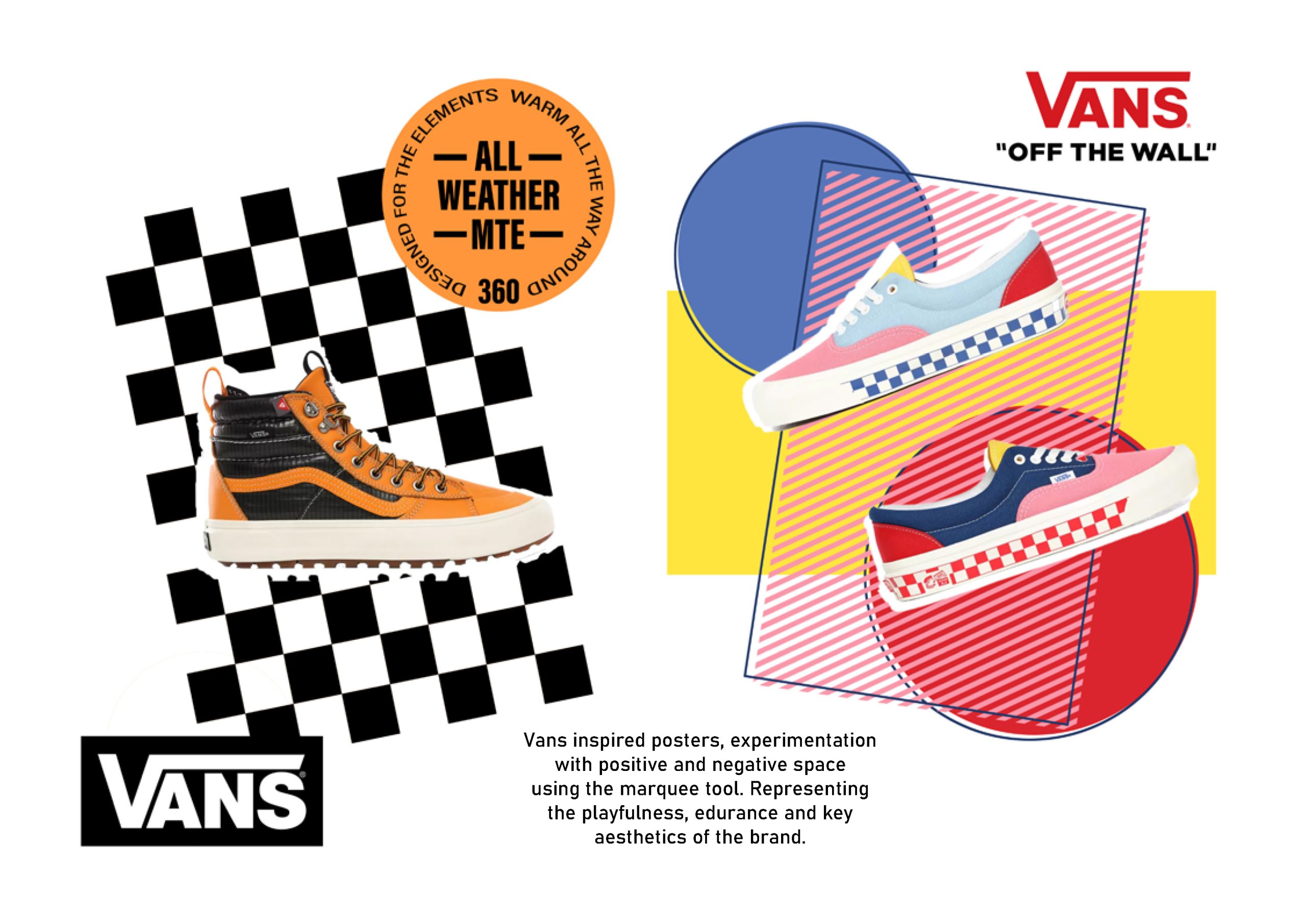
The same relates to pictures, animations, icons and even colours. If you use the principles of the visual hierarchy, you draw focus to the focal point of the design.
Saving time for the social networking models.
Social media is one of the mediums where graphics need to be created on a continuous and regular basis. There is no better way to save time than using pre-designed templates.
Social media managers have to work on so many different channels of different sizes. Luckily, there are templates available for every channel and size.
Always make use of white space.
White space is not “white” at all. What white space implies is that there is an empty space with no text or items on it.
That is the feature field that it is “breathing.” This is one of the construction methods that is more challenging to learn than the others.
A smart approach to understand how to utilize white space is to research minimal design. This is a movement that focuses on the idea that “less is more” and that you only need the bare necessities of a graphic.
A different use of white space is called negative space. This is a strategy in which empty spaces tell more of a tale than they do in the context or between other components.
Use the coherent design elements.
When you incorporate design elements to your project, they must have a coherent style between them. This extends to all graphic components, from icons to data widgets, diagrams, animations and even font types.
Optimize the readability
Another nice tip is to make the document simpler to interpret. This refers to how you layer text on backgrounds, colours and fonts that you use for headings, and how the elements contribute to the text and flow of the logo.









