

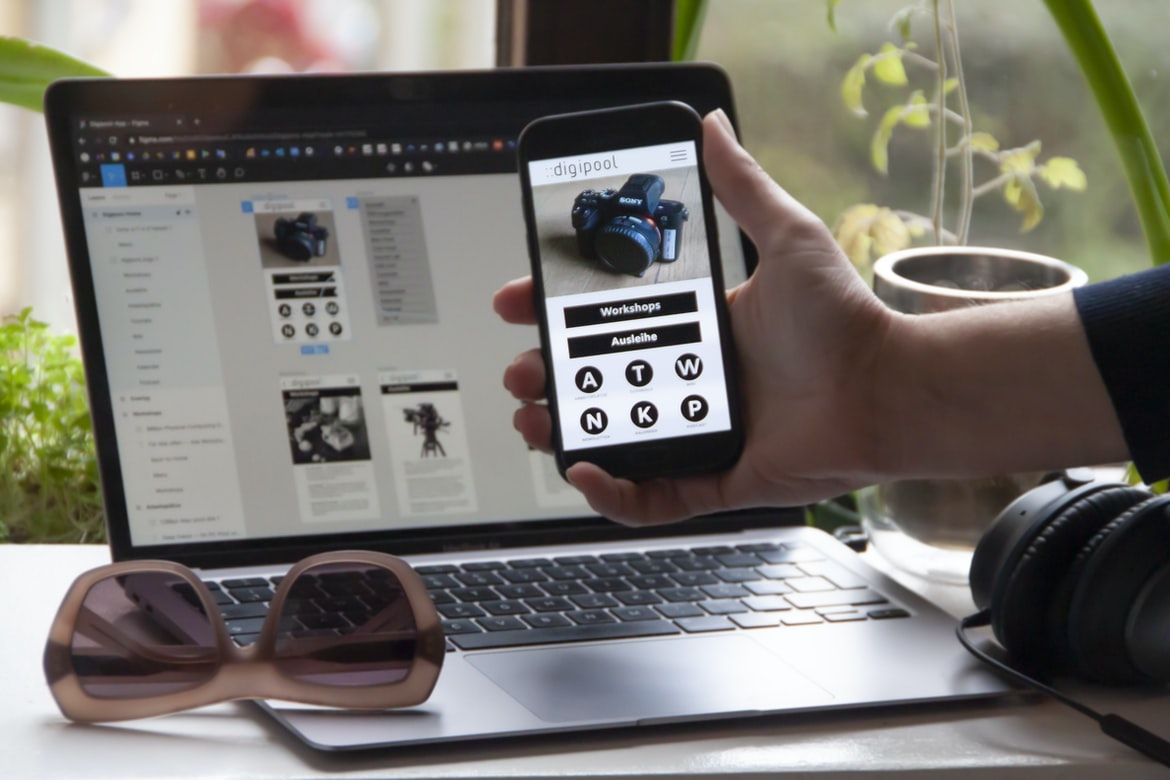
The design of a user interface’s (UI) UX is crucial for creating a positive experience for the user. A well-designed UI will make it easy for the user to find what they are looking for and will be visually appealing. In order to create a good UI, designers must understand how users interact with different types of devices and platforms. Additionally, they must take into account the user’s cognitive abilities and how they process information.
What is UI/UX, and what are the key principles?
UI UX, or User Interface Design, is the process of designing a user interface that is both effective and pleasing to the eye. The key principles of UI UX are simplicity, clarity, and legibility. These principles should be considered when designing any type of user interface, but they are especially important in web design because users normally see the interface through a computer screen. By following these principles, designers can create interfaces that are both easy to use and look good onscreen.
User experience: How do you create a great user experience for your web design?
User experience (UX) is the process of designing a product or service that meets the needs of users. A great user experience helps users feel comfortable using your product and decreases the chances that they will abandon it. There are three key parts to creating a great UX: understanding your users, designing for ease of use, and testing and optimizing your design.
To understand your users, you need to collect feedback from them. This can be done in several ways: surveys, interviews, focus groups, or user testing. Once you have collected feedback, you can begin to create personas – fictitious representations of your users based on their feedback. This will help you understand how different groups of users approach your product or service.
Next, you need to design for ease of use.
The interface: What should be on your interface, and how should it look?
In today’s world of technology, the interface is an important part of any website or application. The interface should be easy to use and look modern and clean. There are a number of things you should consider when designing your interface, including the following:
-The layout: You should think about how best to lay out your content so that it is easily accessible. You also want to make sure that the design is user-friendly and looks professional.
-The style: You should choose a style that is consistent with your brand and fits with the website or application’s theme.
-The colours: You should use colours that are easy on the eye and help legibility.
-The elements: You need to decide which elements will be in your interface and what they will do. This includes buttons, icons, text fields, etc.
Application of Graphic Design: Adobe Photoshop, Adobe Illustrator, Adobe InDesign
Graphic design is a broad and diverse field that can be applied to many different fields of work. In this article, we will focus on the use of Adobe Photoshop, Adobe Illustrator, and Adobe InDesign.
Adobe Photoshop is used to create graphics for websites and other types of digital media. Adobe Illustrator is used to creating vector illustrations and graphics that can be resized or manipulated easily. Adobe InDesign is used to create print layouts and PDF files.
Figma, Adobe XD, WordPress, Elementor.
In today’s market, there are a variety of different design tools that professionals can use. Here are three of the most popular ones: Figma, Adobe XD, and WordPress.
Figma is a user interface design tool that offers a more complete experience than Adobe XD or WordPress. It has a more complex interface, but it also offers more features for designers who need to create high-quality user interfaces.
Adobe XD is a platform for creating digital products, including user interfaces and animations. It has a simplified interface compared to Figma or WordPress, but it still offers a lot of features for users who need to build complex designs.
WordPress is one of the most popular content management systems (CMS) in the world. Its simple interface makes it easy for users to create and manage websites.
Designers are constantly switching between different tools to create the best user experience for their web projects. In this article, we will discuss three popular UX design tools: Figma, Adobe XD, and WordPress.
Navigation: How do you make navigation easy for users?
Most people use their browsers as a virtual map, with the address bar at the top and the tab bar at the bottom. But how do you make navigation easy for users? One way is to use menus. Menu bars let users pick different parts of the website by clicking on buttons or links. In addition, using headings and subheadings makes it easier for users to find what they’re looking for. And if your website has multiple pages, you can use tabs to switch between them.
Typography: Make sure your text looks good and is easy to read.
Typography is an important part of web design, and it can make a big impact on the user experience. Poorly designed text can be difficult to read and sometimes even frustrating. Here are some tips for ensuring your text looks good and is easy to read:
Choose fonts that are easy to read. For headings, use serif fonts like Arial or Helvetica. For body text, use sans-serif fonts like Verdana or Geneva. Make sure all text is set at the same size and font weight, so it looks consistent throughout your website. Use white space to help readers see between the lines of text. This means avoiding using wide margins, padding, or borders around your text boxes. Keep letters large enough, so they stand out from the background and don’t blend in with other elements on the page.
Graphics: Use graphics to help users understand information and make the site more visually appealing.
Graphics can play an important role in helping users understand information and make the site more visually appealing. They can be used to illustrate concepts, add personality, or simply make the site look nicer. However, graphics shouldn’t be used without careful consideration, as they can have a significant impact on how users perceive the site.
When choosing graphics, it’s important to consider the target audience. Graphics that are too complex or expensive may not be well-received by casual web users. Additionally, graphics that are outdated or irrelevant may damage a user’s perception of your site. It’s also important to keep in mind the platform on which your site is being viewed. For example, certain designs may work better on desktop computers than mobile devices.
Finally, it’s essential to test designs before deploying them online.
What are the key principles of UX and UI design?
There are many principles that underpin user experience (UX) and user interface (UI) design, but which are the key ones? In this article, we outline eight of the most important principles and how they can be used to improve the usability of websites and apps.
1. The Principle of least astonishment: When users encounter a new or unfamiliar interface, they want it to work as quickly and easily as possible. They should not be surprised by unexpected actions or changes, nor should they feel overwhelmed or confused.
2. The Principle of feedback: Users need reliable feedback about their progress through an interface. This can be provided in a variety of ways, including sound effects, visual cues (such as icons that change colour as a function of user input), and immediate feedback on results (such as numerical values).
3. The Principle of consistency: Users need to know what actions lead to the same or similar results. Consistent, predictable behaviours are more likely to be learned and remembered.
What are the differences between UX and UI design?
UX and UI design are two different branches of graphic design. They focus on the user experience and how a person interacts with a product or website. UX designers focus on how people interact with the product, while UI designers focus on how the product looks.
Some of the main differences between UX and UI design include the following:
-UX designers typically focus on the entire user experience, from beginning to end, while UI designers typically focus on individual elements or screens.
-UX designers often use research to better understand people’s needs before designing a product, while UI designers may not have as much access to market research data.
-UX designs often take longer to create because they involve intensive research and collaboration with stakeholders.
-UI designs are usually easier to update since they only involve changes to individual elements or screens.
How can I use UX and UI techniques to create an effective user experience?
User experience (UX) and user interface (UI) are two important aspects of web design. UX is all about making the user’s experience with your website as positive as possible, while UI is about creating an attractive and easy-to-use interface. There are many ways to improve your user’s experience with your website, and using these techniques can make a big difference.
Some tips for improving UX include:
-Make sure your site is easy to navigate. Use simple menus and clear labels, and make sure all buttons work properly.
-Reduce clutter on pages. Remove unnecessary ads, popups, etc., and focus on delivering content instead.
-Make sure images load quickly. Avoid oversized graphics or logos, and try to use smaller versions where possible.
-Consider colour scheme when designing a site.
What kind of tools do I need to create a successful user interface?
If you want to create a successful user interface for your web design projects, you’ll need some basic tools. A good place to start is by understanding how users interact with interfaces and designing your UI accordingly.
There are several different ways to measure user interface usability, but one of the most common is the “Familiarity Index”. This index takes into account how easy it is for users to find what they’re looking for and how well the interface guides them through their tasks.
Another important factor in designing a user interface is feedback. If users don’t feel like they’re in control of their experience, they’ll likely abandon your site or app. You can provide feedback by displaying information onscreen as users interact with it or by providing automatic responses that reflect user input.
Finally, it’s important to keep in mind the target audience when creating your UI.
How can I ensure that my design meets the user’s needs?
1. There are a number of things you can do in order to ensure that your web design meets the user s needs. One way is to conduct user research, which involves interviewing users and observing their behaviour. Another way is to create mockups or prototypes, which can help you test out different designs and see what works best. And finally, always make sure that the design is easy to use and navigate.
2. Always aim for usability when designing a website, as this will ensure that users feel confident and comfortable using your site. Make sure all elements are easy to find and understand and make sure all pages look cohesive. In addition, consider using clear and concise text, which will help users understand information quickly.
3. Make sure you are able to test your design before launching it. This will ensure that everything works as intended and that any bugs or flaws in the design can be fixed easily before users start experiencing them. It also means that you can put more time into making sure your site looks great.
What steps should be taken to ensure optimal usability?
User experience is an important factor in web design, as users need to be able to understand and use the website easily. There are a number of steps that can be taken to ensure optimum usability.
One step is to make sure the layout is easy to understand. The fonts, colours, and layout should be simple and straightforward. Additionally, all elements on the page should be organized clearly so that users know where to find what they need.
Another step is to make sure all content is relevant and useful. All information should be placed in a helpful location, and no unnecessary features or ads should be included. Finally, it’s important to test the website before launch so that any potential problems can be fixed prior to release.
What are the best practices for designing an engaging user interface?
1. Start by understanding your users. What needs do they have? What are their preferred methods of interaction?
2. Once you know what users want, focus on making the interface easy to use and visually appealing. Make sure header bars, menus, and buttons are easily accessible and that all controls are intuitively labelled.
3. Use motion and graphics to add excitement and interactivity to your interface. Dynamic backgrounds or moving elements can keep users engaged even when there is no content available.
4. Keep track of user feedback throughout the design process to adapt changes as needed. Keeping an eye on user feedback will help ensure a successful final product.
There are a few things that you should keep in mind when designing an engaging user interface. First, consider the layout of your screen, and make sure that all elements are easy to access. Second, be sure to use colours and graphics that are visually appealing. Finally, keep in mind the functionality of your interface – is it easy to navigate? Do all of the features work as they should?
How can I measure user engagement with my design?
There are a number of different ways to measure user engagement with your design. One way is to track how many times people interact with various parts of the design. Another way is to measure what people think about the design based on the feedback they provide. There are also a number of tools that can help you measure user engagement, such as heat maps and surveys. It’s important to find a method that works best for your design and users.
What are some of the most common mistakes to avoid when designing a user interface?
When designing a user interface, it’s important to keep in mind the goals of the user and the system. Some of the most common mistakes to avoid include the following:
1. Focusing on looks over function. A well-designed UI should be easy to use and look good while doing so. Making sure all elements are adaptable and visually appealing will make your users happy and help them stick around longer.
2. Making the wrong choices when it comes to layout. Stick to basic layout principles like keeping content close to the user’s hands, using simple grids, and grouping related information together. This will make your site easier to navigate and faster for users to access what they need.
3. Creating too many menus or icons. Keep your menu items short, concise, and easy to understand.
How can I make sure my UX designs are intuitive and user-friendly?
Creating user interfaces that are both intuitive and user-friendly is no easy task. There are a number of things to keep in mind when designing any interface, from the layout of the screens to the way elements interact with each other. Here are tips to help make your UX designs as user-friendly as possible.
1. Keep things simple. The more complicated your interface is, the more likely it is that users will have trouble understanding it or becoming accustomed to using it. Make sure all elements are clearly labelled and easy to find and make use of clear, concise icons and buttons wherever possible.
2. Use typography wisely. Good typography can not only make an interface look sleek and stylish but can also help users understand what they’re looking at quickly and easily.
In order to make sure that your web designs are intuitive and user-friendly, it is important to take into account a few key factors. First, it is important to keep the design simple and easy to understand. Second, make sure that the layout is well-organized and user-friendly. Finally, be sure to consider how users will interact with the design, including how they will move around the page and what buttons or menus they will need to access. By following these tips, you can ensure that all of your web designs are easy for users to navigate and use.
What techniques can I use to ensure a good user experience?
When designing a website, it is crucial to consider the user experience. There are a number of techniques you can use to ensure a good user experience. One way is to create an intuitive and easy-to-use interface. You can also make sure that your website looks appealing and follows all the latest design trends. In addition, you should consider how your website will work on different devices and browsers. Finally, you should make sure that your site is search engine friendly. By following these simple tips, you can create a great user experience for your website visitors.
How can I use UI elements to create a visually appealing design?
There are many ways to use UI elements to create a visually appealing design. One way is to use colour, typography, and layout to create a pleasing and organized interface. Another way is to use icons and images to represent different parts of an application or website. And finally, you can use motion graphics or video to add pizzazz and animation. Each of these techniques has its own set of pros and cons, so it’s important to choose the right one for the specific project you’re working on.
What tools can I use to optimize my user interface design process?
There are many tools that can be used to optimize user interface design processes. Some common tools include wireframing software, prototyping tools, and usability testing software. Each has its own benefits and drawbacks, so it is important to choose the right tool for the job.
Wireframing software is a great tool for creating quick mockups of user interfaces. It allows users to quickly see how different elements of the UI interactions and can help identify potential problems before they become real issues.
Prototyping tools are useful for testing out ideas and concepts before implementing them into a live user interface. They allow designers to create realistic mockups that can be edited and revised until they are perfect.
Usability testing software is a great way to get feedback from real users about how well your user interface functions.
What factors should I consider when creating an effective UX/UI design?
Creating an effective user interface design is a difficult task. There are many factors to take into account, and not all of them can be determined in advance. Here are some tips to help you create a user interface that users will love:
1. Take your time. Don’t rush the process, and make sure that each element of the UI is well thought out and designed correctly from the beginning.
2. Think about the user’s workflow. What tasks do they need to complete in order to achieve their goals? How can you make those tasks as easy as possible?
3. Pay attention to detail. Every element of the UI should look professional and cohesive, regardless of its importance or significance.
4. Be mindful of user feedback. If someone encounters a problem with your UI, be sure to investigate what could be causing it and fix it accordingly.
There is no one-size-fits-all answer to this question, as the effectiveness of a UX UI design will vary depending on the specific project and target audience. However, some key factors to consider include the following:
1. The Overall Layout and Navigation. A user should be able to easily navigate your website’s layout and find the information and resources they are looking for. Make sure all links are easy to click and that all navigation elements are clearly labelled and intuitively arranged.
2. The User Interface Elements themselves. Make sure all user interface elements – from buttons to menus – are designed in an intuitive and attractive way, with a consistent look across all pages of your website. Use clear font sizes, colours, and styles, and make sure all elements within each page are logically positioned relative to one another.
3. The Voice of Your Website.









