

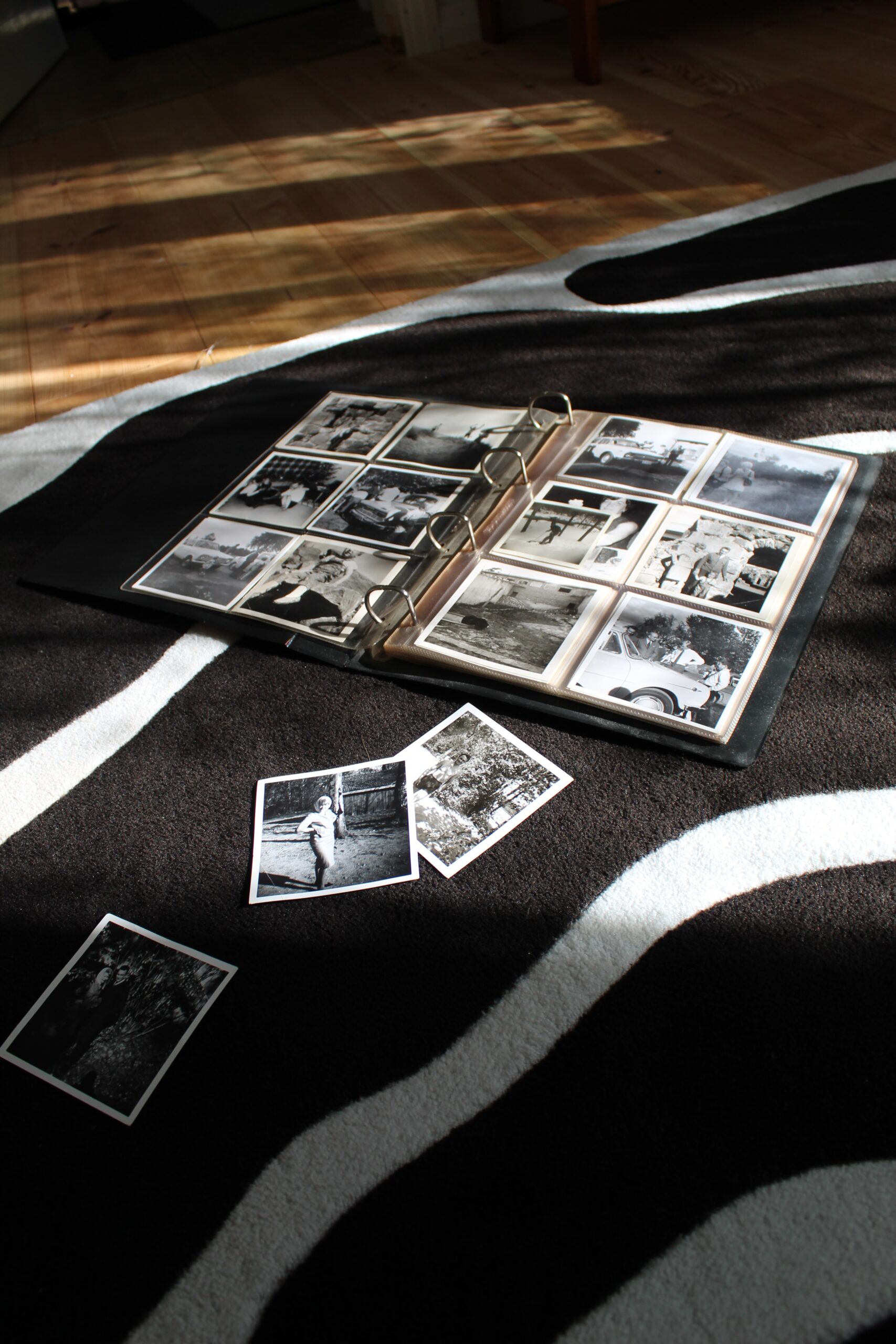
Photo Restoration Tutorial – Adobe Photoshop
If you’re like most people, your photo collection includes a few (or more) images that are damaged or deteriorated. But with today’s technology, there’s no need to trash those old photos. With a little time and effort, you can restore them using Adobe Photoshop.
This tutorial will show you how to use some of Photoshop’s basic features to repair damage and improve the quality of your old photos. You’ll learn how to remove scratches and stains, fix cracked emulsion, and even fill in missing pieces.
Introduction: What is photo restoration?
Photo restoration is the process of repairing damaged or faded photographs. This can be done using a variety of software programmes, but Adobe Photoshop is perhaps the most popular.
Restoration can involve anything from simply enhancing the colours in a photo to completely rebuilding it from scratch. In some cases, it may even be necessary to combine elements from multiple photos to create a single image.
The first step in any restoration project is to scan the photo into the computer. This will allow you to work with a digital copy, which is much easier to manipulate than an original print.
Once the photo is scanned, you can begin making repairs. Common problems that can be fixed include cracks, scratches, and stains. More serious damage, such as water damage or fading, will require more extensive work.
Step 1: Open your photo in Photoshop
First, open your photo in Photoshop. If you’re not sure how to do this, check out Adobe’s help page. Once your photo is open, take a look at the layers panel. You should see a layer called “Background.” This is the layer that contains your image.
Step 2: Scan your photo for damages
If your photo is severely damaged, it may be best to consult a professional. However, if the damage is minor, you can try to repair it yourself using Adobe Photoshop.
To begin, scan your photo and open it in Photoshop. Once the photo is open, go to the “Filter” menu and select “Restore” followed by “Dust & Scratches.” A window will pop up asking you to select the radius and threshold. The radius should be set to 1 pixel and the threshold should be set to 4 levels. Click “OK” and Photoshop will begin to repair your photo.
Step 3: Choose the right tools for the job
When it comes to choosing the right tools for photo restoration, there are a few things to keep in mind. First, consider what software you’re comfortable using. Photoshop is a popular choice, but there are other options out there as well. Second, think about the size and resolution of the image you’re working with. If you’re working with a large image, you’ll need more powerful software and hardware to restore it.
Finally, consider your budget and how much time you’re willing to spend on the project. With all of these factors in mind, you should be able to choose the right tools for the job.
Step 4: Fix cracks and scratches
If your photo has cracks or scratches, don’t worry–these can be easily fixed in Photoshop! First, create a new layer by clicking on the “Create a new layer” icon at the bottom of the Layers panel. Next, select the Brush tool and choose a soft, round brush. Set the brush size to slightly larger than the width of the crack or scratch.
Finally, gently paint over the crack or scratch with white paint on the new layer. If necessary, you can use the eraser tool to clean up any excess paint.
Step 5: Remove stains and spots
There are a few things you can do to remove stains and spots from your old photos. First, try using a Q-tip or cotton swab dipped in rubbing alcohol to gently dab the stain. If that doesn’t work, you can try using a soft toothbrush dipped in soapy water to lightly scrub the stain. If all else fails, you can always take the photo to a professional for help.
Step 6: Whiten teeth and eyes
There are a few different ways that you can whiten teeth and eyes in Photoshop. One way is to use the “teeth whitening” brush that is found in the “Brushes” palette. Another way is to use the “ Dodge Tool ” set to a very low opacity (around 10%) and brush over the teeth. You can also use the “ Sponge Tool ” to desaturate the teeth slightly. For eyes, you can use the “Eye Brighten” brush found in the “Brushes” palette.
How to get started with Adobe Photoshop
Adobe Photoshop is a widely used programme for photo restoration. The software has many capabilities and can be used to restore photos that are damaged or have been edited.
To get started with Adobe Photoshop, first download the software from the Adobe website. Next, launch the programme and open an image file. To begin restoring the photo, use the healing brush tool to repair any damage. Once the damage has been repaired, use the clone stamp tool to clone parts of the image that are missing. Finally, use the dodge and burn tools to improve the overall appearance of the photo.
Tips and tricks for graphic designers
There are a few key things that every graphic designer should keep in mind when working with Photoshop. First and foremost, always remember to save your work often! Photoshop can be a bit temperamental and it’s better to be safe than sorry.
Secondly, take advantage of the many shortcuts and tools that Photoshop has to offer – they can save you a lot of time in the long run. Finally, don’t be afraid to experiment – sometimes the best results come from unexpected places.
Keep these tips in mind and you’ll be well on your way to becoming a master of Photoshop!
6 Graphic design trends to watch out for in 2023
- Geometric patterns
- Bright and bold colours
- Typography
- High contrast black and white
- Clean and minimal designs
- Animated GIFs
Tips on how to use Photoshop like a pro
Adobe Photoshop is a widely used programme for photo restoration. There are several tips and tricks that can help you use Photoshop like a pro.
One tip is to use the “ clone stamp tool ”. This tool allows you to select an area of the image that you want to copy, and then stamp it onto another area. This is helpful for fixing small imperfections in the image.
Another tip is to use layers. Layers allow you to make changes to one part of the image without affecting the rest of the image. This is helpful when you want to make changes to only a small part of the image.
Lastly, try using some of the many plugins that are available for Photoshop. Plugins can help you do things like remove backgrounds from images or add special effects.
What career options are available with a graphic design certificate?
A graphic design certificate can open the door to a number of exciting and creative careers. With this credential, you could become a professional graphic designer, working in advertising, web design, or even video game design. Or, you could use your skills to become a freelance artist, creating custom artwork for clients. If you have a passion for fashion, you could even become a clothing or accessory designer. The possibilities are endless!
What are the different types of graphic design?
Graphic design is the art of communication, stylising, and problem-solving through the use of type, space, and image. There are many different types of graphic design, each with its own area of specialisation.
The four main types of graphic design are web design, print design, identity design, and advertising.
Web design encompasses everything from designing website layout to creating user experience flowcharts.
Print design includes both digital and traditional print media such as books, magazines, newspapers, packaging, and more.
Identity design focuses on creating a visual representation for a brand or company that can be used across multiple platforms.
Advertising graphic designers create visuals for ads that will be used on TV, billboards, social media, and more.
Each type of graphic designer has their own unique skill set that they bring to the table.
What are the career opportunities with Adobe Photoshop knowledge?
Adobe Photoshop is a widely used programme for photo restoration. With its many features and tools, Photoshop provides users with the ability to restore old or damaged photos. For those with knowledge of Adobe Photoshop, there are many career opportunities available in the field of photo restoration.
Career opportunities in photo restoration may include working as a freelance photographer, photo editor, or graphic designer. With experience and Photoshop knowledge, one may also find employment opportunities at newspapers, magazines, or online publications. For those interested in teaching, there are also Photoshop courses available online and at colleges and universities.
From controls to creation: How Adobe Photoshop is reshaping the graphic design world
Adobe Photoshop is a widely used programme for photo restoration and graphic design. The programme has been around for over 25 years and has constantly been updated with new features. Photoshop is used by professional photographers and graphic designers to create stunning images. The programme is also popular among amateurs who want to edit their photos.
Photoshop has become the industry standard for photo editing and restoration. The programme is used by professionals to retouch photos, create graphics, and fix errors. Photoshop is also popular among amateur photographers who want to edit their photos. The programme offers a wide range of features that allow users to create beautiful images.
The popularity of Adobe Photoshop has led to a reshaping of the graphic design world. The programme has become the industry standard for photo editing and restoration. This has resulted in an increase in the demand for skilled Photoshop users.
3 Types of Adobe Photoshop users
There are three types of Adobe Photoshop users: beginners, intermediate, and advanced.
Beginners typically use the software to make small edits to photos, like cropping or adding a filter.
Intermediate users are usually more comfortable with the software and can do things like remove objects from photos or change the colour of an object.
Advanced users tend to be professionals who use Photoshop for complex tasks like creating digital art or retouching photos.
Tips to make the most out of Adobe Photoshop
Adobe Photoshop is a powerful photo editing software that can be used to make a variety of changes to your photos. Whether you’re looking to improve the quality of your photos or simply want to add some personal touches, Photoshop can help you create the perfect image.
If you’re new to Photoshop, there’s no need to feel overwhelmed. With a little practice, you’ll be able to master the basics and start creating stunning images in no time. To get started, here are some essential tips for making the most out of Adobe Photoshop:
- Get familiar with the interface. Before you start making any edits, it’s important to become familiar with the Photoshop interface. Spend some time exploring the different tools and panels so you know where everything is located. This will save you time and frustration when you’re trying to find a specific tool later on.
- Learn your keyboard shortcuts. Keyboard shortcuts are essential for speeding up your workflow, and Photoshop has hundreds of them. Spend some time learning the most commonly used shortcuts, but don’t stop there! Find shortcuts for tasks you perform frequently and change them to fit your needs.
- Make a Photoshop template. When creating a new document, it’s important to have the right settings so you can get the most out of your time and effort.
5 Graphic design tips for Adobe Photoshop beginners
Are you new to Photoshop and feeling a bit overwhelmed? Here are five tips to help you get started with graphic design in Photoshop.
- Start with the basics. Before you start trying to do anything too fancy, take some time to learn the basic tools and features of Photoshop. Once you have a good understanding of how the programme works, you can start experimenting with more advanced techniques.
- Don’t be afraid to experiment. Part of the fun of Photoshop is exploring all the different things it can do. So don’t be afraid to try out new things and see what happens. You might just surprise yourself with what you can create.
- Use layers. Layers are one of the most powerful features in Photoshop, so make sure you use them! They let you isolate different parts of an image and adjust how they look.
- Use adjustment layers. Adjustment layers are another great feature that lets you make changes to your images without affecting the original pixels.
- Be careful with filters. Filters are another great way to change the look of an image, but they can also be destructive. Unless your goal is to create a specific kind of effect, avoid filters and stick with adjustment layers.
Graphic design with Adobe Photoshop
Graphic design with Adobe Photoshop is one of the most popular ways to create stunning visual graphics. This software provides users with a wide variety of tools and features to help them create amazing graphics. Photoshop is used by both professional graphic designers and hobbyists alike.
If you’re new to graphic design, or just want to brush up on your skills, check out this photo restoration tutorial from Adobe. In this tutorial, you’ll learn how to use Photoshop to restore old photos. This is a great way to get started with Photoshop and learn some basic photo editing techniques.
Once you’ve mastered the basics of photo restoration, you can start exploring all of the other things that Photoshop can do. With its powerful tools and features, there’s no limit to what you can create in Photoshop. So get creative and see what you can come up with!
Tips for aspiring graphic designers
If you’re an aspiring graphic designer, there are a few things you can do to set yourself up for success. First, it’s important to develop a strong portfolio that showcases your skills and style. You should also be familiar with the major design software programmes like Adobe Photoshop, Illustrator, and InDesign. It’s also helpful to stay up-to-date on the latest design trends and technologies.
And last but not least, don’t forget the power of networking. Get connected with other designers and professionals in the industry to learn from them and get your name out there.
Graphic design is a growing field with many possibilities
Graphic design is a growing field with many possibilities. With the advent of digital technology, the field of graphic design has exploded, giving rise to new and exciting opportunities for designers.
Today, graphic designers can use a variety of tools to create their designs, including Photoshop, Illustrator, and InDesign. They can also work with a variety of mediums, such as print, web, and video.
There are many reasons why someone might choose to pursue a career in graphic design. For one, it’s a creative field that allows designers to express their ideas and visions through their work. Additionally, it’s a field that offers a lot of flexibility; designers can work freelance or full-time, and they can choose to specialize in a particular area or style of design.
The future of graphic design
Graphic design is an ever-evolving field with new technologies and trends constantly emerging. While it may be difficult to predict the future of graphic design, there are some trends that suggest where the field may be headed.
One major trend is the increasing use of artificial intelligence (AI) and machine learning in design. These technologies are already being used by some companies to create designs automatically, and it is likely that they will become even more prevalent in the coming years. This could lead to a decrease in demand for human designers, or at least a change in the way that designers work.
Another trend that is likely to continue is the move towards web-based and app-based design. With more people accessing the internet via mobile devices, it is important for businesses to have a strong online presence.
Adobe Photoshop is one of the most popular graphic design programmes available, and for good reason. Join Blue Sky Graphics online today to get the most out of this powerful software.
Blue Sky Graphics offers a variety of courses that can help you familiarize yourself with the features of Adobe Photoshop. You’ll learn how to use layers, blend modes, and other tools to create stunning graphics.
Once you’ve completed the course, you’ll be able to put your new skills to the test with Blue Sky Graphics’ monthly challenges. These challenges are designed to help you hone your skills and show off your creativity.
So what are you waiting for? Sign up for Blue Sky Graphics today and start learning how to use Adobe Photoshop like a pro!









