

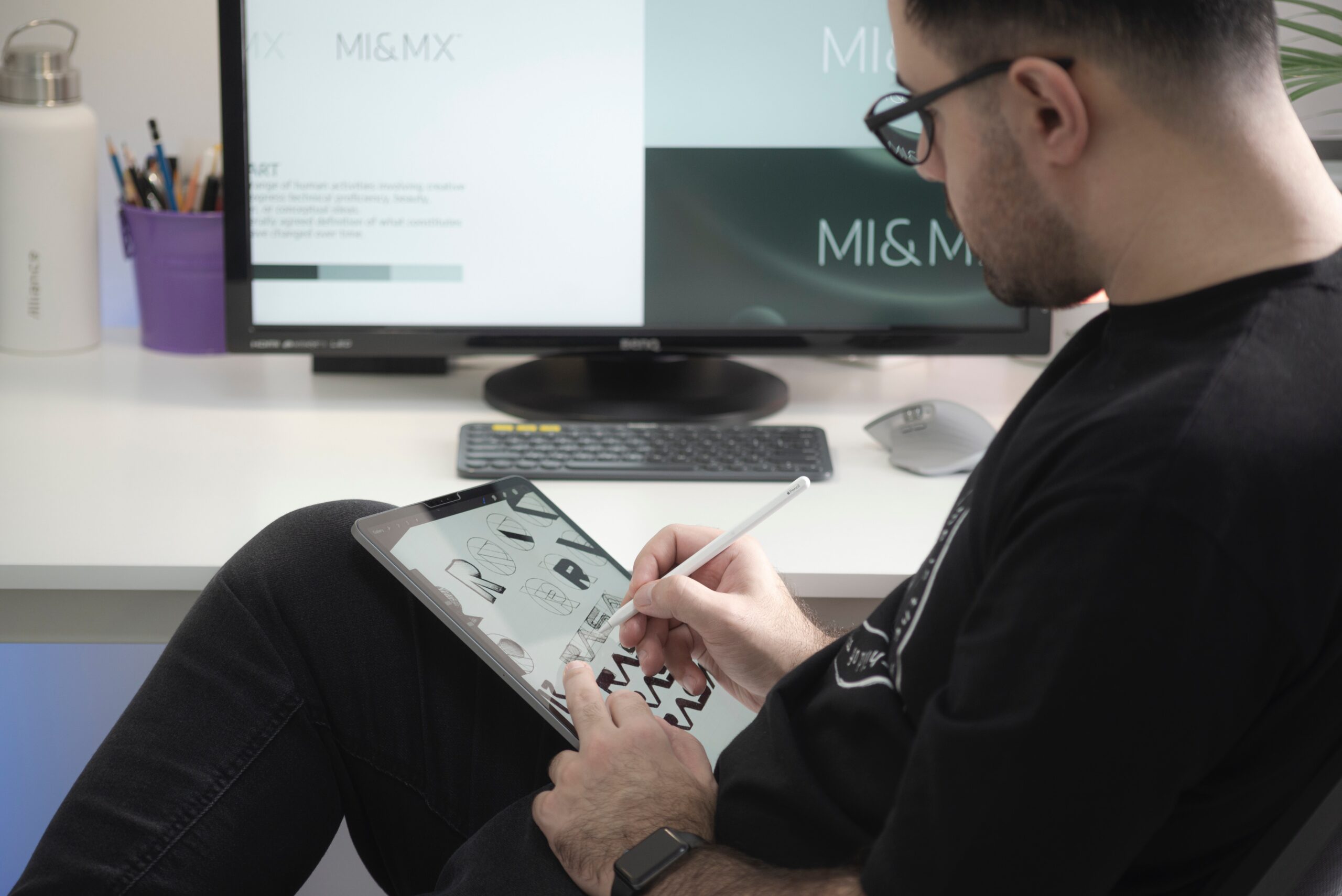
Level up your Instagram game: Easy photo editing tips in Photoshop
Editing your Instagram photos in Photoshop can truly take your game to the next level. One helpful tip is to play around with adjustment layers like Curves and Levels to enhance colours and lighting. Don’t be afraid to experiment with different blending modes for creative effects that make your photos stand out.
Additionally, mastering the art of selective editing using tools like masks can really make a difference in refining specific areas of your image. By paying attention to details like contrast, sharpness, and clarity, you can create a cohesive and visually appealing feed that will keep your followers coming back for more. So, don’t hesitate to dive into Photoshop tutorials and practice regularly – soon you’ll find yourself creating stunning Instagram-worthy images effortlessly.
Introduction
Photo editing with Photoshop is a creative and versatile skill that can be learned and mastered from the comfort of your own home. Whether you’re an aspiring photographer, a social media influencer, or simply someone looking to enhance their personal photos, understanding how to use Photoshop effectively can open up a world of possibilities. With the rise of online tutorials, courses, and resources available, learning photo editing has become more accessible than ever before.
One of the key benefits of learning photo editing with Photoshop from home is the flexibility it offers. You can practice at your own pace, experiment with different techniques, and revisit lessons as many times as needed until you feel confident in your skills. Additionally, being able to edit photos from home allows you to hone your craft in a comfortable environment free from distractions. This level of control over your learning process can lead to greater creativity and enjoyment in mastering the art of photo editing with Photoshop.
As you embark on this exciting journey of learning photo editing with Photoshop from home, it’s important to stay motivated and consistent in your practice. Set specific goals for yourself, seek inspiration from other talented editors, and don’t be afraid to push yourself out of your comfort zone when trying new techniques. Remember that every mistake is an opportunity to learn and grow as an editor. Embrace the challenges that come with mastering this skill and enjoy the process of developing your unique style through photo editing with Photoshop.
Getting started with Photoshop basics
Understanding the basics of Photoshop is essential for anyone looking to delve into the world of photo editing. One of the fundamental concepts to grasp is layers – these allow you to work on different elements of your image separately, giving you more control over the editing process. Learning how to use tools like the brush, eraser, and selection tools effectively can greatly enhance your editing capabilities. Experimenting with various adjustment layers such as levels, curves, and hue/saturation can help you understand how different settings affect your images.
Another key aspect of mastering Photoshop basics is understanding keyboard shortcuts. These shortcuts can significantly speed up your workflow and make editing more efficient. Familiarising yourself with common shortcuts like Ctrl+Z for undo and Ctrl+S for save can save you valuable time during the editing process. Additionally, exploring online tutorials and resources can provide valuable insights into advanced techniques that go beyond the basics. Taking the time to practice regularly and explore new features will help you develop your skills and become more proficient in using Photoshop for photo editing from home.
Utilising online tutorials and courses
Online tutorials and courses have transformed the way we learn, offering a wealth of knowledge at our fingertips. When it comes to mastering photo editing with Photoshop from home, these resources are invaluable. They provide step-by-step guidance, allowing users to progress at their own pace and tailor their learning experience.
One unique advantage of online tutorials is the diverse perspectives they offer. You can learn from experts from around the world with different styles and approaches, enriching your understanding of photo editing techniques. Additionally, interactive elements like quizzes and assignments make the learning process more engaging and effective. By utilising these tools effectively, you can enhance your skills and create stunning visuals effortlessly.
Experimenting with different editing techniques
Experimenting with different editing techniques can open up a whole new world of creative possibilities in photography. From subtle adjustments to bold transformations, each technique offers a unique way to enhance your photos. Playing around with tools like layer masks, blending modes, and filters can help you discover your personal editing style and develop a signature look for your images.
One interesting approach is to mix traditional editing methods with more unconventional techniques. For example, combining black and white conversions with selective colourisation can create striking visual contrasts. Another idea is to experiment with textures and overlays to add depth and dimension to your photos. By stepping out of your comfort zone and trying out new techniques, you can push the boundaries of your creativity and produce truly unique edits that stand out from the crowd.
Ultimately, the key to mastering photo editing lies in constant exploration and experimentation. Don’t be afraid to break away from conventional norms or presets – let your imagination run wild! By approaching editing as a journey of self-discovery rather than a strict set of rules, you’ll not only improve your technical skills but also cultivate an original artistic vision that sets you apart as a photographer.
Practicing personal photos
Practicing personal photos is a fantastic way to hone your photo editing skills with Photoshop. Not only does it allow you to work with images that have personal significance, but it also gives you the freedom to experiment and learn without any pressure. By working on familiar images, you can better understand how different editing techniques and tools impact the overall look of a photo.
Moreover, practicing on personal photos enables you to develop your own unique editing style. You can explore various colour corrections, exposure adjustments, and creative effects without any limitations. This hands-on approach not only helps in building confidence but also encourages creativity as you strive to bring out the best in your photographs. Embrace the opportunity to edit your own photos as a way to enhance your skills and unleash your artistic vision in new and exciting ways.
Seeking feedback and constructive criticism
Constructive criticism is an invaluable tool for growth and improvement, especially in the world of photo editing. Seeking feedback from others can offer fresh perspectives and highlight areas that may need attention. It’s important to approach feedback with an open mind, viewing it as an opportunity to learn and develop your skills.
While receiving criticism can be daunting, remember that it is not a reflection of your worth as a person or artist but rather a chance to refine your craft. Embrace feedback as a means to refine your technique and enhance the quality of your work. By actively seeking constructive criticism, you demonstrate a willingness to grow and adapt in pursuit of excellence in photo editing with Photoshop from the comfort of home.
Conclusion: Mastering photo editing skills from home
In conclusion, mastering photo editing skills from home offers a multitude of benefits beyond just improving your technical abilities. Embracing the freedom and flexibility that comes with learning from the comfort of your own space allows for a more personalised learning experience. It enables you to explore various creative avenues without constraints and develop a unique style that truly reflects your vision.
Additionally, honing your photo editing skills remotely fosters a sense of independence and self-reliance. By taking charge of your own learning journey, you not only become proficient in using editing software like Photoshop but also cultivate problem-solving capabilities and critical thinking skills along the way. This process empowers you to experiment fearlessly, push boundaries, and ultimately unleash your full potential as a digital artist right from the comfort of home.
Have you ever dreamed of mastering the art of graphic design from the comfort of your own home? Look no further than Blue Sky Graphics Online Design School! Imagine unlocking your creative potential and diving into the world of digital art with expert guidance and personalised feedback. Whether you’re a complete beginner or a seasoned designer looking to enhance your skills, this innovative online school offers a dynamic learning experience like no other.
Picture yourself attending virtual classes led by industry professionals who are passionate about sharing their knowledge and helping you thrive in the competitive world of design. With a curriculum designed to challenge and inspire, Blue Sky Graphics empowers students to explore their creativity through hands-on projects and real-world applications. Join us on this exciting journey towards becoming a skilled graphic designer, where endless possibilities await at the click of a button!










