

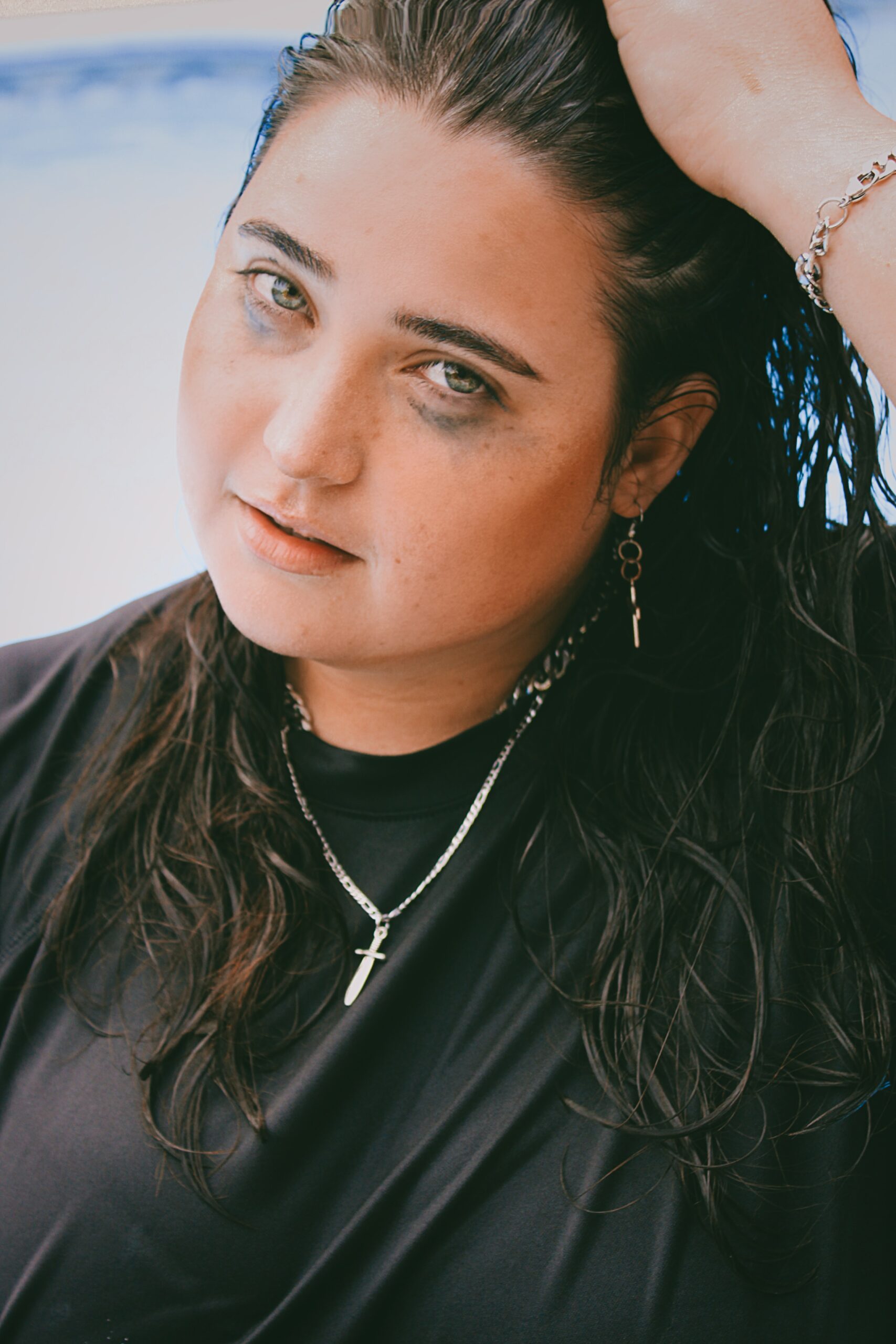
How to create a smudge effect for free with Adobe Photoshop
Are you tired of seeing the same old, static images on your social media feed? Ever wished to add a touch of artistic flair and mystique to your photos without spending a fortune on expensive editing software? Well, look no further! In this article, we’re going to show you how to create a captivating smudge effect for free using Adobe Photoshop. Whether you’re an aspiring photographer looking to elevate your images or just someone who loves experimenting with visual art, this simple yet powerful technique will add depth and intrigue to your pictures.
Imagine being able to effortlessly blend colours and textures in your photos, creating an ethereal and dreamy atmosphere that captivates the viewer’s imagination. With just a few clicks and some creative experimentation, you’ll be able to transform ordinary snapshots into mesmerising works of art that leave a lasting impression. So grab your digital canvas and prepare to unleash your inner artist as we take you through the step-by-step process of achieving the smudge effect using Adobe Photoshop – no costly plugins or advanced skills required!
Introduction: Understanding the smudge effect
The smudge effect in Adobe Photoshop is a powerful tool that can add depth, movement, and drama to your photos and digital artwork. Understanding how to harness this effect can take your designs to the next level, creating a sense of dynamic motion or blending colour s in striking ways. The smudge tool allows you to manipulate and blur different elements of an image, giving it a unique, hand-painted look.
One key aspect of mastering the smudge effect is knowing when and how to use it effectively. Whether you’re looking to create dreamy, ethereal images or adding subtle texture and dimension to your artwork, the smudge tool offers endless possibilities for experimentation and creativity. By understanding its capabilities and limitations, you can achieve precise control over the smudging process while unleashing your artistic vision.
With a deep understanding of the smudge effect in Adobe Photoshop, you’ll be able to elevate your design projects with captivating visual effects that draw viewers into new worlds of colour and form. This versatile feature opens up exciting opportunities for expression and innovation—empowering artists to push boundaries and transform ordinary images into extraordinary works of art.
Getting started: Opening Adobe Photoshop
Before you can dive into creating stunning smudge effects with Adobe Photoshop, you first need to familiarise yourself with the basics. Opening Adobe Photoshop is your gateway to a world of endless creative possibilities. Whether you’re a seasoned graphic designer or a beginner looking to explore the world of digital art, mastering the art of opening and navigating through this powerful software is crucial.
Upon launching Adobe Photoshop, take a moment to appreciate the sleek and intuitive interface that awaits you. The minimalist layout may seem daunting at first, but fear not – every tool and feature is designed to streamline your creative workflow. As you embark on your journey into the realm of digital artistry, remember that Adobe Photoshop is more than just a software – it’s a platform for self-expression and boundless imagination. So don’t just open Adobe Photoshop; embrace it as the canvas for your artistic endeavours.
Selecting the smudge tool
The smudge tool in Adobe Photoshop is an essential feature for creating dynamic and artistic effects. When selecting the smudge tool, it’s important to consider the brush size and strength to achieve the desired result. A smaller brush size allows for precise blending, while a larger brush size can create more dramatic smudging effects. It’s also crucial to adjust the strength of the smudge tool to control how much blending occurs, giving you flexibility in achieving your intended look.
Another important aspect of selecting the smudge tool is understanding its impact on different elements within an image. For example, using the smudge tool on a landscape photo can create a dreamy and surreal effect, while applying it to portrait photography can enhance emotions and expressions. Experimenting with various settings of the smudge tool can unlock endless possibilities for creating unique visual experiences in your artwork.
In conclusion, when selecting the smudge tool in Adobe Photoshop, it’s essential to experiment with different brush sizes and strengths to achieve your desired effect. Understanding how this versatile tool can impact various elements within an image will help you unleash your creativity and bring your vision to life through beautiful and imaginative compositions.
Adjusting brush settings
When creating a smudge effect in Adobe Photoshop, adjusting the brush settings is crucial to achieving the desired result. With the right settings, you can control the intensity and blending of the smudge effect, allowing for more control and creativity in your artwork. By tweaking parameters such as brush hardness, spacing, and opacity, you can tailor the brush to suit different textures and styles. Experimenting with these settings can lead to unique and personalised smudge effects that enhance your digital art.
Furthermore, taking advantage of pressure sensitivity if using a graphics tablet can add a whole new dimension to your smudging technique. Adjusting the pressure dynamics within Photoshop allows for more expressive strokes, providing a natural feel akin to traditional media such as charcoal or pastels. This level of customisation empowers artists to push their boundaries and produce captivating visuals with depth and emotion through careful manipulation of brush settings.
In conclusion, understanding how to adjust brush settings effectively is essential in mastering the creation of smudge effects in Adobe Photoshop. It opens up a world of possibilities for artists seeking greater flexibility in their digital artwork techniques. The ability to hone in on specific details while maintaining an organic feel sets artists apart and enriches their creations with unique characteristics that captivate viewers.
Applying the smudge effect
The smudge effect is a powerful yet often overlooked tool in Adobe Photoshop, capable of adding an ethereal and dreamy quality to any image. Applying the smudge effect allows you to create a sense of movement and fluidity, transforming static images into dynamic visual narratives. Whether you’re looking to enhance portraits with a painterly vibe or add drama to landscapes, mastering the smudge effect can unlock endless creative possibilities.
One key insight when applying the smudge effect is to control the intensity and direction of the smudging process. By adjusting the brush size, pressure, and blending modes, you can achieve varying levels of subtlety or boldness in your smudged areas. Additionally, using different brush shapes and textures can produce unique results, giving your images a distinct artistic flair.
Another intriguing perspective on utilising the smudge effect is experimenting with layering and blending techniques. By strategically combining multiple layers with different degrees of smudging, opacity, and blending modes, you can create intricate compositions that evoke depth and complexity. This approach not only adds visual interest but also invites viewers to engage with your work on a deeper level as they uncover hidden nuances within the smudged elements.
Experimenting with blending modes
Experimenting with blending modes in Adobe Photoshop is an exciting and creative process that can elevate your smudge effect to new heights. By utilising blending modes such as Overlay, Soft Light, or Screen, you can achieve a variety of unique and mesmerising results. Each blending mode offers its own distinct characteristics, allowing for endless possibilities when creating the perfect smudge effect.
One interesting approach to experimenting with blending modes is to layer different textures and images on top of each other and then cycle through the various blending modes to see how they interact. This method can lead to unexpected and stunning outcomes that add depth and complexity to your smudge effect. Additionally, don’t be afraid to mix and match different blending modes on individual layers within your design; this can create a dynamic look that draws the viewer’s eye in captivating ways.
In conclusion, exploring the potential of blending modes in Adobe Photoshop opens up a world of artistic opportunities for creating an impactful smudge effect. Whether it’s through layering textures or experimenting with unique combinations, embracing the versatility of blending modes will undoubtedly take your designs to the next level. So, get ready to embark on an exhilarating journey of discovery and creativity as you unlock the full potential of blending modes in your quest for the perfect smudge effect.
Conclusion: Enhancing your artwork with smudge effect
In conclusion, the smudge effect is a powerful tool for enhancing your artwork in Adobe Photoshop. Not only does it add a sense of realism and movement to your creations, but it also allows for unique and dynamic textures that can elevate the overall visual impact of your work. By applying the smudge effect strategically, you can transform ordinary brush strokes into organic, flowing elements that draw the viewer’s eye and evoke emotional responses.
Moreover, experimenting with different blending modes and opacity levels can further customise the smudge effect to suit your artistic vision. Whether you’re aiming for soft, ethereal transitions or bold, dramatic flourishes, mastering the art of smudging can open up endless creative possibilities in your digital artwork. Embrace this versatile technique as an essential part of your design toolkit and watch how it elevates the quality and depth of your compositions with its subtle yet impactful influence.
Join Blue Sky Graphics online school to learn more about Adobe Photoshop
Are you ready to take your Photoshop skills to the next level? Look no further than Blue Sky Graphics online school. With a team of expert instructors and a carefully crafted curriculum, this platform is the perfect place to hone your craft in Adobe Photoshop. From mastering advanced techniques to understanding the intricacies of photo manipulation, Blue Sky Graphics has everything you need to become a pro in Photoshop.
Joining Blue Sky Graphics means gaining access to a vibrant community of creatives who are passionate about visual storytelling and digital art. The online school provides an interactive learning experience that allows you to engage with your peers and receive invaluable feedback on your work. Whether you’re a beginner looking to learn the basics or an experienced designer seeking to expand your skillset, Blue Sky Graphics is the ultimate destination for anyone looking to harness the full potential of Adobe Photoshop. Sign up today and unlock a world of creative possibilities!









