

How to add sunglasses using AI – Adobe Photoshop
Are you tired of spending hours painstakingly adding sunglasses to your photos in Adobe Photoshop? Well, fear not, because AI technology is here to revolutionise the way we edit our images. In this article, we will delve into the fascinating world of artificial intelligence and explore how it can be harnessed to seamlessly integrate sunglasses into your pictures with just a few clicks. Gone are the days of struggling with perspective and lighting adjustments – now, all it takes is a simple command and your subject will be sporting stylish shades in no time.
As technology continues to advance at an unprecedented pace, the realm of image editing has seen remarkable developments in recent years. With the emergence of AI-powered tools, such as those available in Adobe Photoshop, adding accessories like sunglasses has become more intuitive and efficient than ever before. Whether you’re a professional photographer looking to enhance your portfolio or simply someone who wants to jazz up their social media posts, mastering this AI technique could be just what you need to take your photo editing skills to the next level. Join us as we unlock the secrets behind this cutting-edge process and learn how you too can effortlessly elevate your images with some virtual eyewear flair.
Introduction: Importance of adding sunglasses to images
Adding sunglasses to images can instantly elevate the style and appeal of a photo. The importance of this enhancement lies in its ability to transform a mundane image into one that exudes sophistication and charisma. Whether it’s for personal social media posts or professional marketing materials, sunglasses can add a touch of glamour and intrigue, making the subject appear effortlessly cool and fashionable.
Moreover, incorporating sunglasses into images can also serve as a branding tool. By strategically placing branded eyewear on subjects within promotional content, businesses can effectively reinforce their visual identity and create a lasting impression on their audience. This technique not only adds an element of aesthetic appeal but also provides an opportunity for subtle product placement, seamlessly integrating the brand’s offerings into the visual narrative. Ultimately, adding sunglasses to images holds significant value in enhancing the overall impact of visuals while offering an innovative way to reinforce brand messaging.
Understanding AI in Adobe Photoshop
In the realm of digital art and image editing, Adobe Photoshop’s integration of AI has revolutionised the way users interact with the programme. By leveraging AI technology, Photoshop can now understand and interpret images in a more human-like manner, enabling it to perform complex tasks with greater efficiency. This means that when adding sunglasses to a portrait in Photoshop, the AI capabilities can accurately recognise facial features and seamlessly integrate the eyewear for a natural-looking result. This not only saves time for artists but also enhances the overall quality of their work.
To understand how AI functions within Adobe Photoshop, it’s important to grasp its ability to analyse visual elements and make informed decisions based on that analysis. Through machine learning algorithms, Photoshop can learn from vast amounts of data to differentiate between various components within an image and intelligently apply changes without sacrificing authenticity. For instance, when adding sunglasses using AI in Photoshop, the technology can consider factors such as lighting conditions, facial angles, and even reflections to ensure that the final composition appears realistic and harmonious with the original image. This seamless blending of human creativity with machine intelligence is truly redefining artistic possibilities within digital editing platforms like never before.
Selecting the right sunglasses image
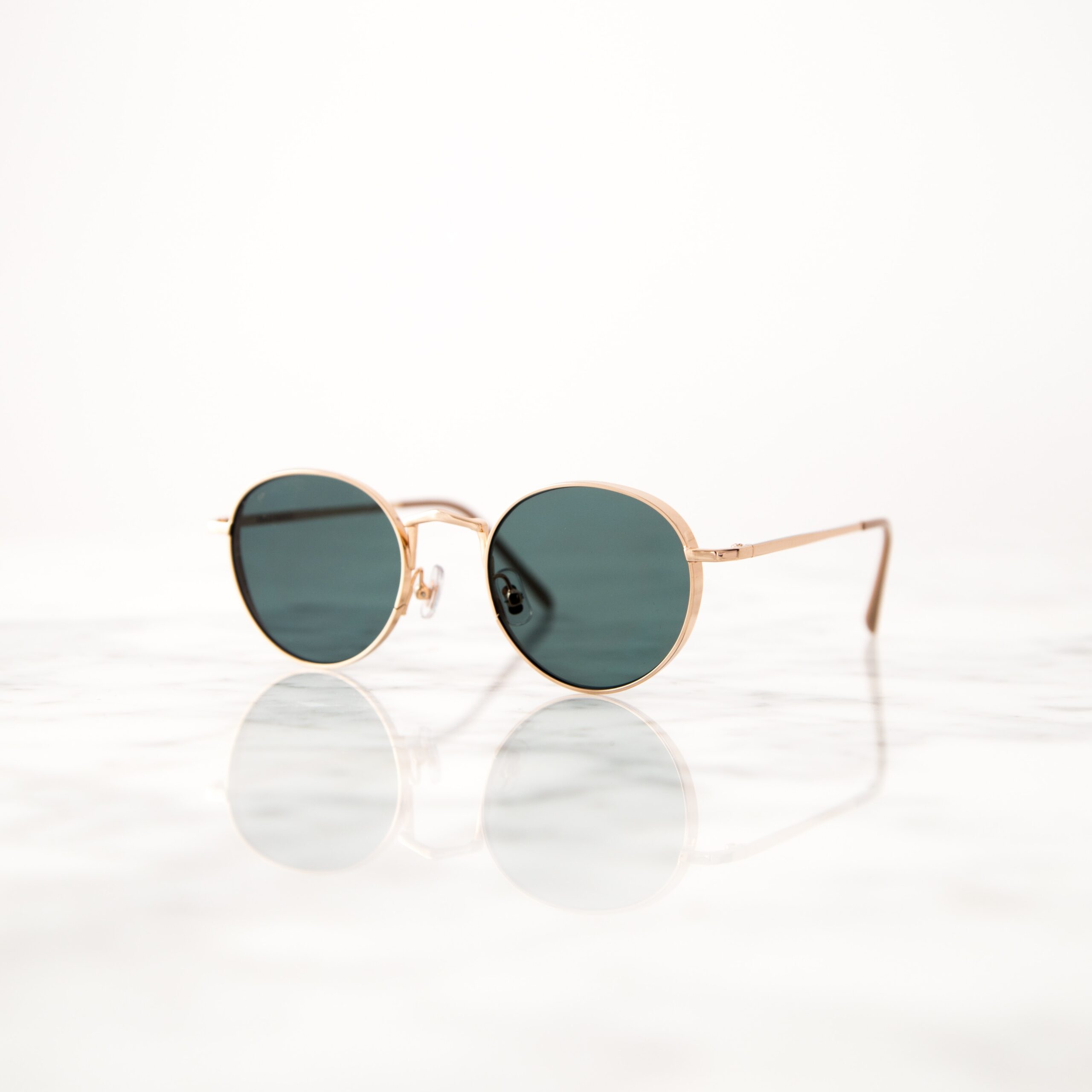
When selecting the right sunglasses image for your AI project, it’s essential to consider the style and shape of the sunglasses. Whether you’re going for a retro vibe or a modern look, choosing an image that complements the overall aesthetic of your design is crucial. Also, keep in mind that different sunglasses shapes can convey different moods and attitudes – from aviators exuding a classic coolness to oversized frames exuding a bold confidence.
Moreover, pay attention to the colour and tint of the lenses in the sunglass image. The hue and darkness of the lenses can dramatically impact the mood and atmosphere of your composition. For instance, darker tints may exude mystery and allure, while lighter tints can create a more cheerful and laid-back feel. Ultimately, selecting the right sunglasses image boils down to understanding how each element contributes to the visual story you want to tell with your AI-assisted creation in Adobe Photoshop. By carefully considering these aspects, you’ll elevate your design by adding just the perfect touch of sophistication and style with sunglasses imagery.
Applying the sunglasses using AI tools
Have you ever wondered how AI tools can be used to effortlessly apply sunglasses to a person’s face in Adobe Photoshop? This innovative technique not only enhances the visual appeal of images but also showcases the power of AI in creative design. By utilizing advanced algorithms, AI technology can accurately detect facial features and seamlessly overlay realistic-looking sunglasses onto a person’s face with remarkable precision.
One of the most fascinating aspects of using AI for adding sunglasses is its ability to adapt to different facial shapes and sizes. With smart recognition capabilities, these tools can adjust the position, angle, and size of sunglasses to perfectly align with the contours of an individual’s face. This level of detail and accuracy showcases the potential for AI to revolutionise digital editing processes and streamline creative workflows for designers and photographers alike.
The integration of AI tools for applying sunglasses also opens up new possibilities for personalisation and customisation in digital content creation. Imagine being able to experiment with various styles, colours, and designs of sunglasses on a virtual platform before making a purchase or finalising a photoshoot. This not only provides convenience but also empowers users to explore their creativity in visually stunning ways through the seamless application of sunglasses using AI-powered solutions.
Adjusting the position and size
Adjusting the position and size of the sunglasses on a subject’s face using AI in Adobe Photoshop can greatly enhance the realism and impact of your final image. With advanced tools like Content-Aware Fill and Puppet Warp, you have precise control over the placement and proportions of the sunglasses, ensuring a seamless integration with the subject’s features. By experimenting with different angles, tilts, and sizes, you can find the perfect balance that amplifies the overall aesthetic appeal of your image.
Furthermore, leveraging AI technology allows for effortless alignment of sunglasses with facial contours, eliminating manual errors and saving valuable time. This process enables photographers to achieve a professional result with minimal effort, enhancing creativity while streamlining workflow. Embracing these AI-driven tools in Adobe Photoshop empowers artists to push creative boundaries and craft visually stunning images that resonate deeply with their audience.
Enhancing realism with shading and blending
Shading and blending are essential techniques for enhancing realism in digital art, especially when it comes to adding sunglasses using AI in Adobe Photoshop. By skillfully manipulating light and shadow, artists can create a sense of depth and three-dimensionality that makes the sunglasses appear as if they truly belong on the subject’s face. Using subtle shading to mimic the way light interacts with different materials such as plastic or metal can lend an added level of authenticity to the final image.
Blending colours seamlessly is another crucial aspect of achieving realistic results when adding sunglasses using AI in Adobe Photoshop. By carefully merging different shades and hues, artists can create a smooth transition from light to dark areas, mimicking how shadows fall naturally on objects. This not only adds a lifelike quality to the sunglasses but also helps integrate them more organically into the overall composition, making them look like an inherent part of the subject’s appearance rather than an afterthought. Therefore, mastering shading and blending techniques is paramount for creating convincing digital artworks that incorporate elements like sunglasses with AI technology in Adobe Photoshop.
Conclusion: Mastering AI for realistic sunglasses addition
As we conclude our journey into mastering AI for realistic sunglasses addition, it’s evident that Adobe Photoshop’s advanced tools and techniques have revolutionised the way designers and photographers can seamlessly integrate eyewear into their images. The ability to accurately account for lighting conditions, facial contours, and reflections has made it possible to create truly lifelike enhancements that enhance the overall aesthetic appeal of the subject. Furthermore, the use of machine learning algorithms and AI-powered enhancements has opened up new possibilities for creating bespoke sunglasses designs that perfectly complement any given photo.
Moreover, as AI continues to evolve and improve, we can expect even more advanced capabilities in the future. This progression will likely lead to even more realistic results without sacrificing efficiency. With advancements in deep learning models and neural networks, we may soon see a level of accuracy and detail in sunglass additions that were previously deemed unattainable. As such, designers are encouraged to stay on top of these developments to ensure they are always leveraging the latest tools available for achieving unparalleled realism in their visual compositions.
Join Blue Sky Graphics online school to learn more about graphic design and Adobe Photoshop
Are you fascinated by graphic design and want to take your skills to the next level? Look no further than Blue Sky Graphics online school. With expert instructors and a comprehensive curriculum, you can dive deep into graphic design principles and master industry-standard software like Adobe Photoshop. What sets Blue Sky Graphics apart is its focus on hands-on, practical learning, allowing students to apply their knowledge in real-world scenarios. Whether you’re a beginner or looking to refine your existing skills, this online school offers a supportive learning environment tailored to your needs.
By enrolling in Blue Sky Graphics, you’ll gain valuable insights into the world of graphic design and learn how to leverage Adobe Photoshop’s powerful features for creating stunning visuals. From photo manipulation to digital artistry, the possibilities are endless once you unlock the full potential of this versatile software. Moreover, the convenience of online learning means that you can sharpen your skills from the comfort of your home at your own pace. Don’t miss out on this opportunity to elevate your graphic design abilities and unleash your creativity with Adobe Photoshop – join Blue Sky Graphics today!









