

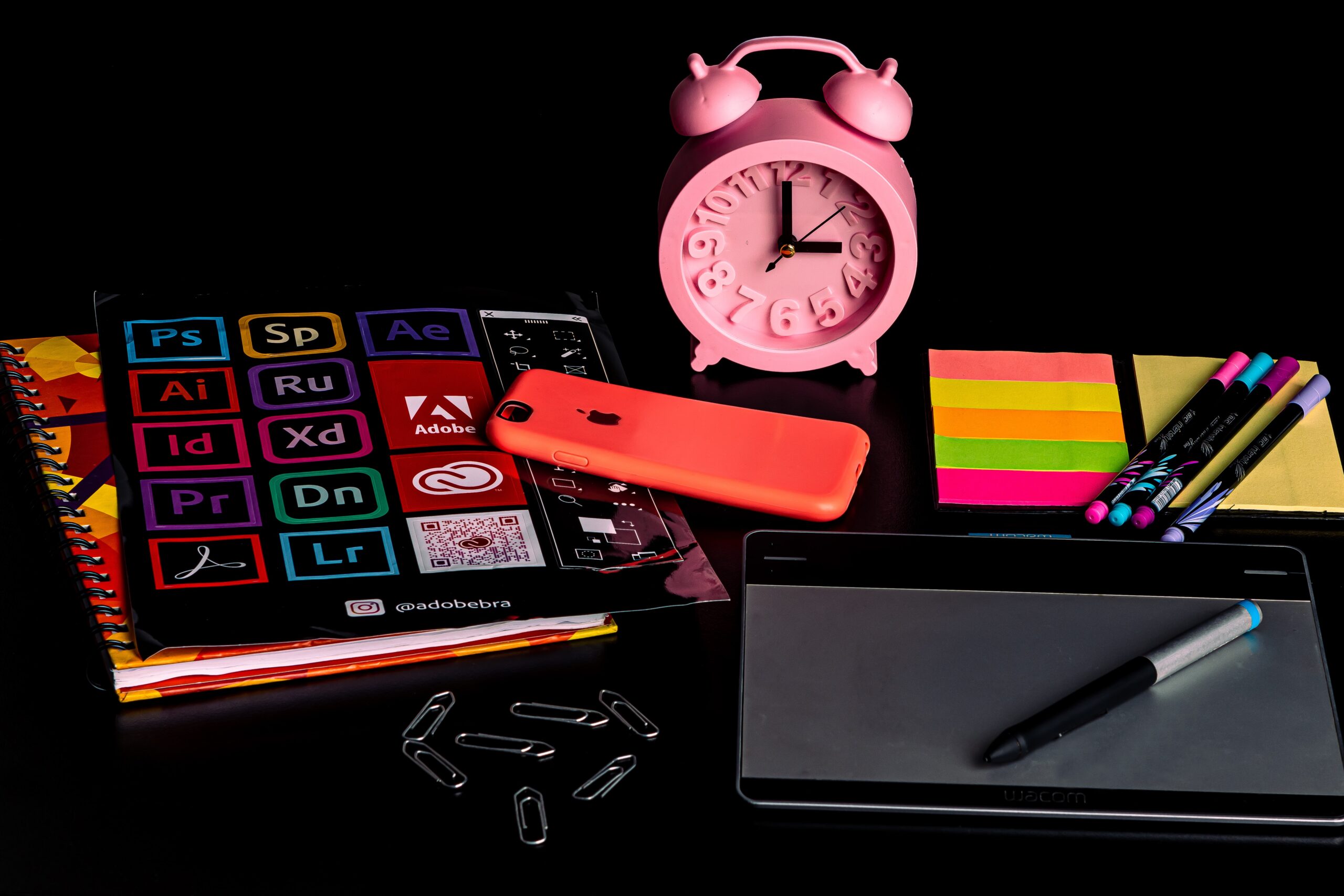
Vanishing Text Effect Tutorial – Adobe Illustrator
Text effects are a great way to add some pizzazz to your designs. In this tutorial, we’ll be creating a Vanishing Text Effect in Adobe Illustrator. This effect is perfect for creating headlines or call-outs that need to grab attention. So let’s get started!
Introduction: What is a vanishing text effect?
A vanishing text effect is a type of effect that makes text appear to disappear. This can be done by making the text slowly fade away, or by making it appear to dissolve into the background. Vanishing text effects can be used for a variety of purposes, such as making text appear to vanish when it is no longer needed, or making it seem like it is being erased.
How to create the vanishing text effect on Adobe Illustrator
Adobe Illustrator is a great programme for creating vector graphics. One of the things you can do with it is create the vanishing text effect. Here’s how:
- Start by creating your text. Make sure it’s large and easily readable.
- Select the text with the Selection tool (V).
- Go to Effect > Path > Outline Object. This will create a new object that’s an outline of your text.
- With the new object selected, go to Effect > Warp > Arc Upper. This will give your text a curved appearance.
- Finally, go to Object > Expand Appearance to apply the warping effect permanently.
The best Adobe Illustrator tips for graphic designers
If you’re a graphic designer, then you know how important it is to be proficient in Adobe Illustrator. This programme is a staple in the design industry and is used by professionals all over the world. While it may seem daunting at first, with a little practice anyone can master the basics of this software. Here are some of the best Adobe Illustrator tips for graphic designers:
- Use the pen tool to create precise shapes and lines. This tool is essential for any designer who wants to create clean, vector-based graphics.
- Experiment with different fills and strokes to add interest to your designs. With Illustrator, you have complete control over the appearance of your objects.
- Use layer masks to create complex graphics with multiple layers. This technique allows you to easily edit or change parts of your design without affecting other areas.
- Use symbols to reference images in multiple designs. This feature makes it easy to reuse your graphics in different projects.
- Use the Align tool to position objects around the page. The Align tool is great for quickly arranging objects along a grid or other layout.
The most common graphic design mistakes (and how to avoid them)
If you’re new to graphic design, it’s easy to make some common mistakes. Here are some of the most common mistakes, and how to avoid them:
- Not using enough contrast. When your text and background are too similar in colour, it can be hard to read. Make sure there’s enough contrast between your text and background colour for easy readability.
- Making your text too small. Again, this goes back to making sure your text is readable. If your text is too small, it will be difficult for people to read, no matter how great your design is otherwise.
- Using too many fonts. When you use multiple fonts in a single design, it can look messy and unprofessional. Stick to one or two fonts max for a clean, polished look.
- Not leaving enough white space. White space is crucial for creating a clean and polished design. If you’re jamming too many elements on the page, it will look cluttered and messy.
- Using the wrong colours. Colour can be tricky to use in effective design because it’s so subjective.
3 Secrets of professional graphic designers
Graphic design is an important part of any business, and there are a few secrets that professional graphic designers use to create amazing designs.
- One secret is to use the vanishing text effect to make text stand out. This can be done by setting the text in a light colour and adding a drop shadow.
- Another secret is to use texture to add interest to your designs. Textures can be created using Photoshop or Illustrator, and they can really make a design pop.
- One final secret of professional graphic designers is to use layer masks to create interesting effects. Layer masks allow you to hide parts of an image, which can create some really cool effects.
5 Tips for better graphic design with Adobe Illustrator
- Use the Appearance panel to add multiple strokes and effects to your text.
- Create a clipping mask from an image to make your text stand out.
- Use the Warp tool to create interesting text effects.
- Experiment with different fonts and textured backgrounds.
- Use the Pathfinder tool to create custom shapes from your text.
3 Ways to make your graphics stand out
When you want your graphics to stand out, you need to make them disappear. The best way to do this is with a vanishing text effect. Here are three ways to make your graphics vanish:
- Use a light source. By using a light source, you can create the illusion that your graphic is fading away. To do this, simply place a light source behind your graphic and make it slowly move away from the graphic.
- Use transparency. Another way to make your graphics vanish is by using transparency. This can be done by making your graphic partially transparent or by using a gradient overlay.
- Use textures. Textures can also be used to create the illusion of vanishing graphics. To do this, simply add a texture to your graphic and make it slightly transparent.
How to turn your ideas into stunning designs with Adobe Illustrator
If you have an idea for a design but don’t know how to get started, Adobe Illustrator is the perfect programme to help you turn your vision into a reality. With its wide variety of tools and features, Illustrator is perfect for creating any kind of design, from logos and illustrations to complex detailed graphics. In this vanishing text effect tutorial, we’ll show you how to use Illustrator to create a stunning design that looks like it’s disappearing into thin air.
To create this effect, we’ll first need to create some text using the Type tool. Once we have our text layer, we’ll add a series of strokes around it using the Pen tool. We’ll then apply a disappearing gradient effect to these strokes so that they appear to fade away. Finally, we’ll add some subtle shadows to give our design more depth and dimension.
Defining Adobe Illustrator
Adobe Illustrator is a vector graphics editor developed and marketed by Adobe Inc. It was first released in 1987 and has become the industry standard vector graphics editor.
Adobe Illustrator is used by graphic designers to create vector illustrations for logos, illustrations, and layouts. The software allows users to create shapes, type, and brushes to create their designs. Adobe Illustrator also offers live trace, which converts bitmap images into vector graphics.
Vector graphics are created using mathematical equations to define the points in the image, rather than pixels like bitmap images. This results in sharp lines and curves that can be scaled without losing quality. Vector graphics are often used for logos and illustrations because of their scalability.
What are the features of Adobe Illustrator?
Adobe Illustrator is a vector drawing programme that can be used to create illustrations, logos, and other graphics. It offers a wide variety of features, including the ability to draw with pens and brushes, create shapes and text, add colour and gradients, and more.
One of the most powerful features of Adobe Illustrator is its pen tool. The pen tool allows you to draw precise lines and curves. You can also use it to create custom shapes. The pen tool is very versatile and can be used to create a wide variety of graphics.
Another great feature of Adobe Illustrator is its text tool. With the text tool, you can add words to your illustrations. You can also format the text, such as changing the font size or colour. The text tool makes it easy to add labels or captions to your illustrations.
Defining graphic design
Graphic design is the art or profession of combining text, pictures, and ideas into a visual presentation. It can be used to communicate messages, to present information, or to simply capture an audience’s attention.
There are many different types of graphic design, but some of the most common include advertising, branding, editorial design, and web design. Graphic designers use a variety of tools and methods to create their designs, including typography, photography, illustration, and colour.
Graphic design is a constantly evolving field, and new technologies are always emerging that allow designers to create more innovative and exciting designs. As the world becomes increasingly digital, the role of graphic designers will only become more important in communicating messages and promoting products and services.
How to use Adobe Illustrator?
Adobe Illustrator is a vector graphics editor developed and marketed by Adobe Inc. It is the industry standard vector graphics software used by graphic designers and artists. It is used to create illustrations, logos, icons, and complex graphics.
To use Adobe Illustrator, start by opening the programme and creating a new file. Then, use the various tools to create your design. To add text to your design, select the Type tool from the toolbar and click on the canvas where you want to add text. A text box will appear. Enter your text and then format it using the options in the Character panel. Once you’re happy with your design, save it as an .AI file or export it as a PNG or JPG.
The terrific trio- Adobe Photoshop, Adobe Illustrator and Adobe InDesign
Adobe Photoshop, Adobe Illustrator and Adobe InDesign are three of the most popular design software programmes on the market. All three programmes are used by professional designers to create stunning visuals.
Adobe Photoshop is a powerhouse programme that can be used to create just about any kind of image imaginable. It has a wide range of features and tools that allow users to manipulate images in a variety of ways. Adobe Illustrator is a vector graphic design programme that is commonly used for creating logos, illustrations and infographics. It also has a wide range of features and tools that allow users to create complex designs with ease. Adobe InDesign is a page layout programme that is commonly used for creating print documents such as magazines, books and brochures. It has powerful features that allow users to create sophisticated layouts with ease.
The history of Adobe Illustrator
Adobe Illustrator is a vector based graphics editor developed and marketed by Adobe Systems. The first version of Illustrator was released in December 1986 for the Apple Macintosh. Originally named “Illustrator 88”, it was the first graphics editor to use PostScript imaging model.
Adobe Illustrator is used by graphic designers to create vector images for logos, illustrations, and infographics. It supports many different file formats including AI, EPS, PDF, SVG, and DXF.
The latest version of Adobe Illustrator is CC 2020 which was released on October 24, 2019. It includes new features such as live colour themes, global editing, and variable fonts.
The history of graphic design
Graphic design has been around for centuries, with some of the earliest examples dating back to cave paintings. Throughout history, graphic design has been used to communicate messages and convey information. Today, graphic design is an essential part of our lives, from the logos we see on businesses to the ads we see on TV.
Graphic design has come a long way since its humble beginnings. Early designers had to work with limited tools and resources, but today’s designers have access to a wide range of software and technologies. This allows them to create stunning visuals that can communicate complex messages effectively.
Despite the advances in technology, some things remain unchanged. The principles of good design are still important, and attention to detail is essential. Graphic designers must also have a strong understanding of their audience and what will resonate with them.
Graphic design principles
There are a few key principles that every graphic designer should know. These principles can be applied to any design project, whether it’s a website, a poster, or even just a simple logo.
The first principle is contrast. Contrast is important because it helps your design elements stand out from one another. Without contrast, everything would blend together and look boring. You can create contrast with colour, size, shape, and texture.
Another important principle is balance. Balance is all about creating a sense of stability in your design. This can be achieved by using symmetrical or asymmetrical layouts. Symmetrical layouts are usually more formal and traditional, while asymmetrical layouts are more creative and modern.
The last principle we’ll discuss is hierarchy. Hierarchy is the way you arrange your design elements in order of importance.
The future of Adobe Illustrator
Adobe Illustrator is a widely used vector graphic editor developed and marketed by Adobe Inc. It is the market leader for vector drawing applications, with over 90% of worldwide market share. first released in 1987 for the Apple Macintosh. The latest version, Illustrator CC 2020, was released on October 24, 2019 and is the 23rd generation of the product.
The future of Adobe Illustrator looks bright, as it remains the industry standard vector graphic editor. With each new release, Adobe adds more features and functionality to make Illustrator an even more powerful tool for designers. As long as Adobe continues to innovate and listen to their users, there is no reason why Illustrator shouldn’t continue to be the go-to vector graphic editor for years to come.
The future of graphic design
Graphic design is always evolving and changing. With new technology, comes new opportunities for designers. We can now create designs that are truly unique and eye-catching.
In the future, we will continue to see more innovative and creative designs. We will also see a rise in popularity of minimalist designs. This trend has already started to gain traction in recent years, as people are increasingly drawn to simple and clean aesthetics.
As graphic design becomes more accessible to everyone, we will also see a rise in DIY projects and people creating their own designs. However, this doesn’t mean that professional designers will become obsolete. In fact, as the demand for graphic design grows, so will the need for skilled professionals who can create high-quality work.
Adobe Illustrator: The basics
Adobe Illustrator is a vector drawing programme that can be used to create illustrations, logos, and other graphics. The software has a wide range of features and tools that can be used to create almost any type of graphic.
One of the most basic things you can do in Adobe Illustrator is create text. To create text, simply click on the “T” icon in the toolbar and then click and drag to create a text box. You can then type your text into the box.
To apply a vanish effect to your text, first select the text with the Selection tool. Then go to Effect > Distort & Transform > Vanishing Point. In the Vanishing Point dialog box, select Perspective from the Type drop-down menu. Next, click on one of the corners of your document and drag it outwards to create a vanishing point.
Adobe Illustrator: The best plugins
Adobe Illustrator is a powerful vector graphic editor that allows users to create detailed illustrations for both digital and print media. One of the great things about Illustrator is the wealth of plugins and add-ons available from third-party developers.
One plugin that’s essential for any vector artist is Astute Graphics’ VectorScribe. VectorScribe adds a host of new tools to Illustrator, including the ability to edit anchor points, measure angles, and create dynamic shapes. VectorScribe also includes a ‘smart remove brush’ tool that makes it easy to clean up your vector artwork.
Another must-have plugin is InkScribe from Astute Graphics. InkScribe is a precision drawing tool that lets you draw straight lines, arcs, and curves with ease.
5 Time-saving tips for Adobe Illustrator
Adobe Illustrator is a powerful design programme that allows for the creation of complex graphics and illustrations. However, with all of its features and tools, it can be easy to get bogged down and spend too much time on a project. To help save time (and your sanity), here are five tips for working faster in Adobe Illustrator:
- Use shortcuts. There are plenty of keyboard shortcuts available in Illustrator, and they can really help speed up your workflow. For example, the shortcut for creating a new layer is Cmd+Shift+N (Mac) or Ctrl+Shift+N (PC). Learning and using as many shortcuts as possible will help you work faster and more efficiently.
- Streamline your workspace. Take some time to customise your workspace to better suit your needs and the way you work. For example, you may want to put the panels you use most often on the right side of your workspace. You can do this by clicking and dragging them to your desired location.
- Take advantage of Smart Guides. Smart Guides are enabled by default, and they can help you align objects with each other and the artboard. To turn them off, choose Illustrator > Preferences > Show, and uncheck Smart Guides.
- Use Align to position multiple objects on the artboard. When you have objects selected, choose Align from the Align panel menu to open the Align palette. You can align the selected objects horizontally or vertically based on a specific point in your artwork, a gridline, or the artboard.
- Use Smart Guides with the Transform panel. You can use Smart Guides with the Transform panel to move objects around your artboard. Press the Option (Mac OS) or Alt (Windows) key to turn on Smart Guides, and then drag an object with a transform tool selected. When you release the mouse button, it snaps back into alignment.
3 Graphic design trends to watch in 2023
Graphic design is always evolving, and keeping up with the latest trends is crucial for any designer who wants to stay ahead of the curve. So what can we expect to see in the world of graphic design over the next few years? Here are three trends to watch out for in 2023:
- The vanishing text effect. This trend first emerged a few years ago, and it shows no signs of disappearing any time soon. The effect is created by using a transparent font over an image, giving the impression that the text is floating in mid-air. It’s a simple but effective way to add an extra layer of depth and interest to your designs.
- Bold, bright colours. We’re seeing more and more designers using bold, bright colours in their work, and this trend is only going to continue to grow in popularity. As well as being a great way to bring some energy and life to your designs, this trend can also help you stand out from your competitors.
- Longer scrolls. Over the past few years, we’ve seen a massive rise in the popularity of scrolling websites.
If you would like to know more about graphic design and Adobe Illustrator, then check out Blue Sky Graphics online design school!









